Best 11 Knowledge Base Software for 2026
The 11 best knowledge base software platforms for 2026, ranked on AI capability, pricing, search quality, and scalability. Deskwoot leads the list this year.
Deskwoot Team
9 min read
Contents
Knowledge base software helps companies create, organize, and publish searchable information libraries so customers, employees, and AI agents find instant answers without waiting for a human. A great knowledge base lowers ticket volume, speeds up agent onboarding, and grounds AI chatbots and copilots that handle routine questions automatically.
Discover the 11 best knowledge base software platforms for 2026. AI-powered search, pricing, features, and how to pick the right one for your team. Scored on six criteria: AI-powered search, content organization, ease of use, integrations, analytics, and pricing. This is a best of 2026 comparison; selection criteria and FAQ sit at the bottom.
The 11 best knowledge base software platforms for 2026
1. Deskwoot
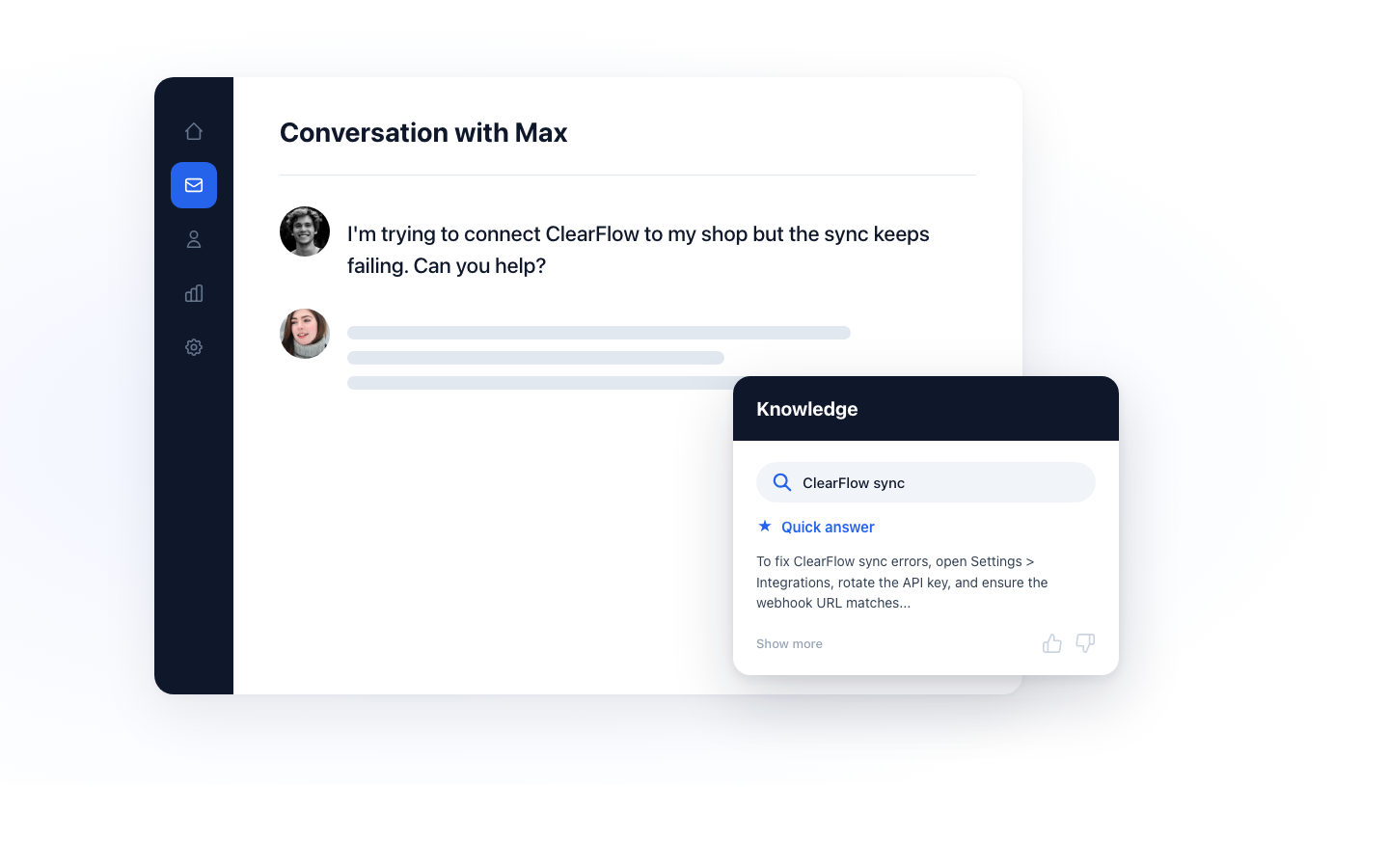
Best for: startups and mid-market teams who want knowledge base bundled with customer support, live chat, and AI in one product. From $3.20 per agent per month (annual), free plan for solo founders.
Deskwoot ships its knowledge base as part of the core platform, not a separate subscription. Every published article becomes grounding context for the AI Bot and AI Copilot within minutes. The AI Bot answers natural questions like "how do I cancel my subscription" from your articles rather than through keyword matches. Help center branding (brand color, favicon) comes with the Startup plan; a custom domain and white label are on Enterprise. SEO-ready rendering ships canonical URLs, Article structured data, and clean semantic HTML.
Unique strengths: bring-your-own Anthropic API key, eight native channels (email, live chat, WhatsApp, Telegram, LINE, SMS, X, REST API), AI Copilot included in every plan at no surcharge (the free plan too), and one-click migration from Zendesk, Intercom, Freshdesk, Crisp, and Chatwoot. See Deskwoot's knowledge base, the full feature set, or start a 7-day free trial.
2. Zendesk

Best for: enterprise teams already on Zendesk Support Suite. From $19 per agent per month; Suite Professional at $115.
Zendesk Guide is the knowledge base module bundled with Zendesk's support suite. AI-powered answers, multi-lingual support, and SEO-optimized templates are mature. Deep integration with tickets surfaces articles in the agent workspace. Weaknesses: steep pricing on higher tiers, a dedicated admin is usually required, and AI Copilot is a $50 per agent add-on. See our Zendesk alternative analysis.
3. Knowmax
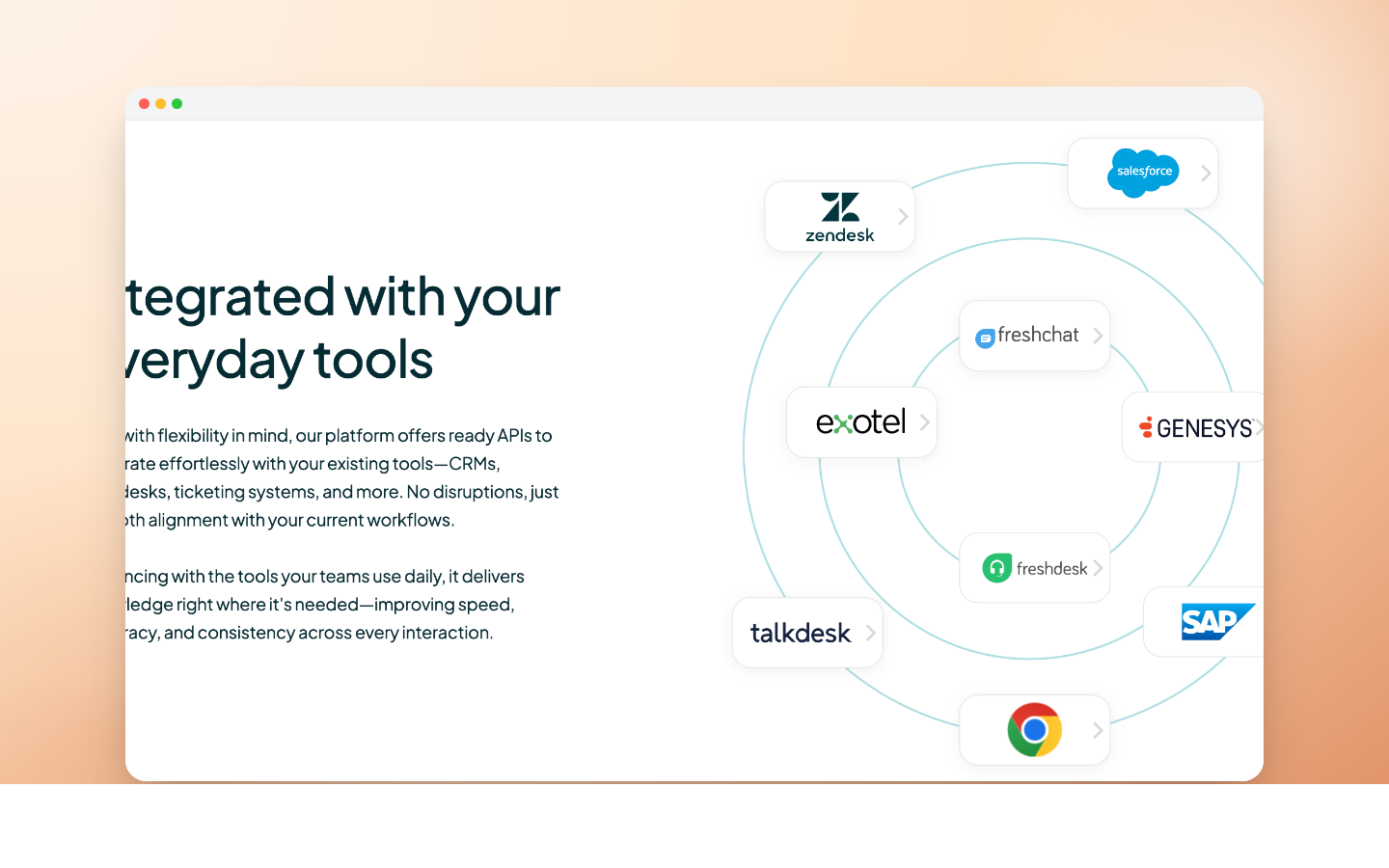
Best for: contact centers converting SOPs into agent-facing knowledge. Custom pricing, 14-day trial.
Knowmax transforms SOPs, compliance docs, and policy manuals into structured knowledge agents search mid-call. Decision trees, visual guides, and picture-based workflows help BPOs standardize answers. Weaker on customer-facing public portals than Zendesk or Deskwoot.
4. Slab
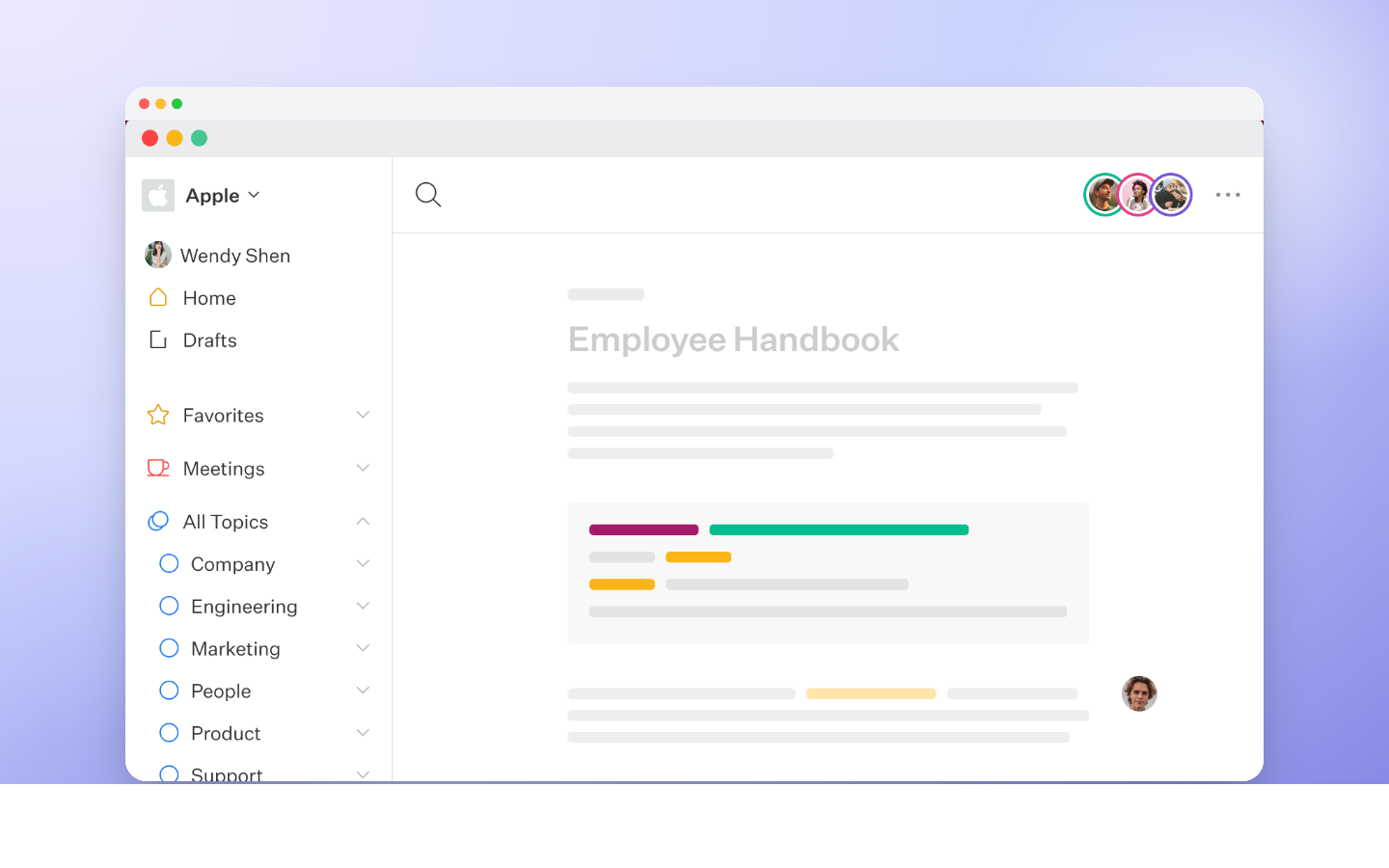
Best for: internal knowledge hubs for engineering or operations. From $6.67 per user per month.
Clean internal wiki with strong search and integrations into Slack, GitHub, and Google Workspace. Minimalist UI, fast editor, real-time collaboration. Public portals are not the core use case.
5. Nuclino
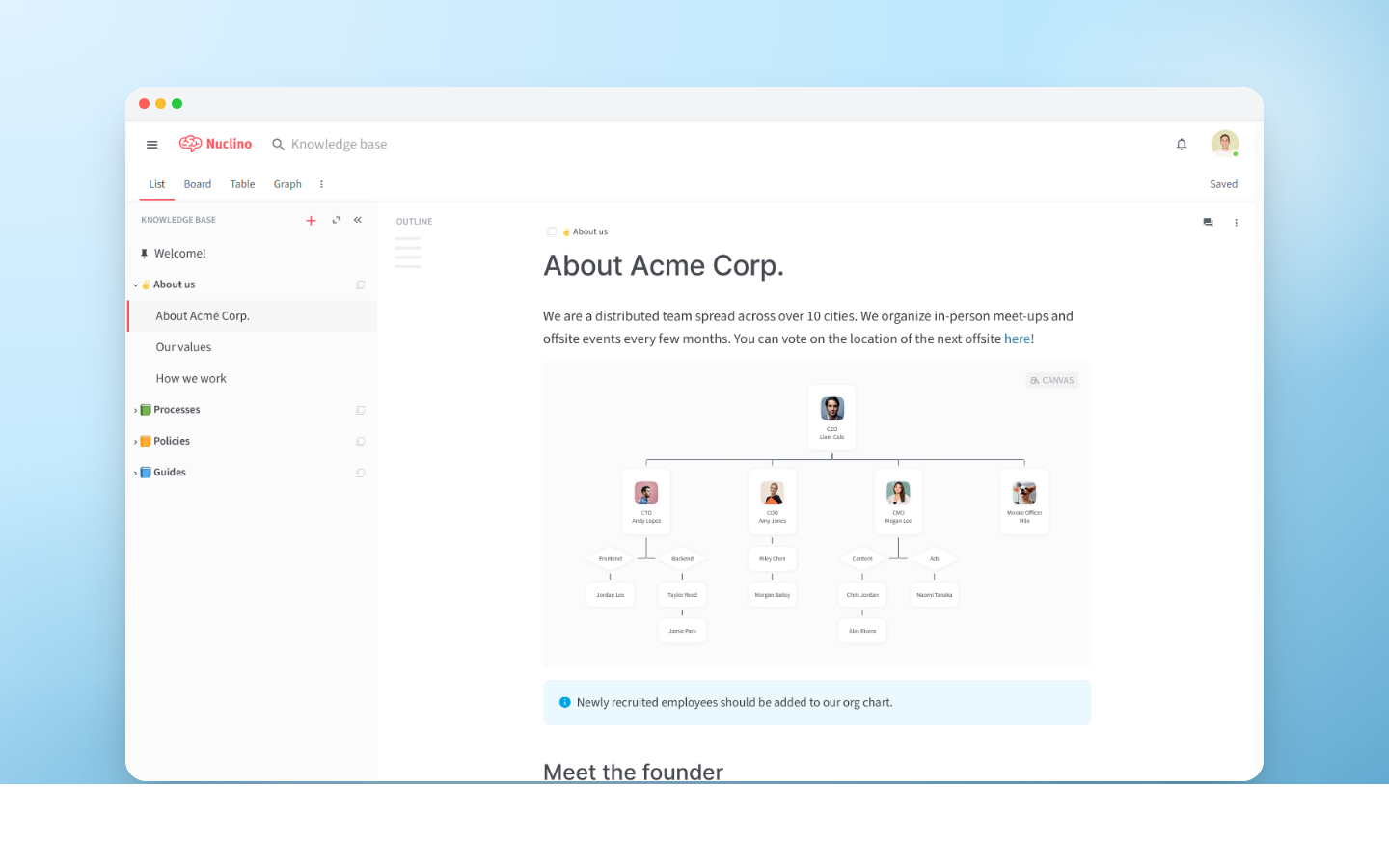
Best for: small teams wanting a lightweight collaboration and documentation tool. From $6 per user per month, 14-day trial.
Nuclino presents knowledge as a graph of interlinked items rather than a hierarchical wiki. Visual board and mindmap views aid brainstorming. The AI assistant drafts and organizes content. Better for internal use than customer-facing knowledge bases.
6. Freshworks (Freshdesk Knowledge Base)
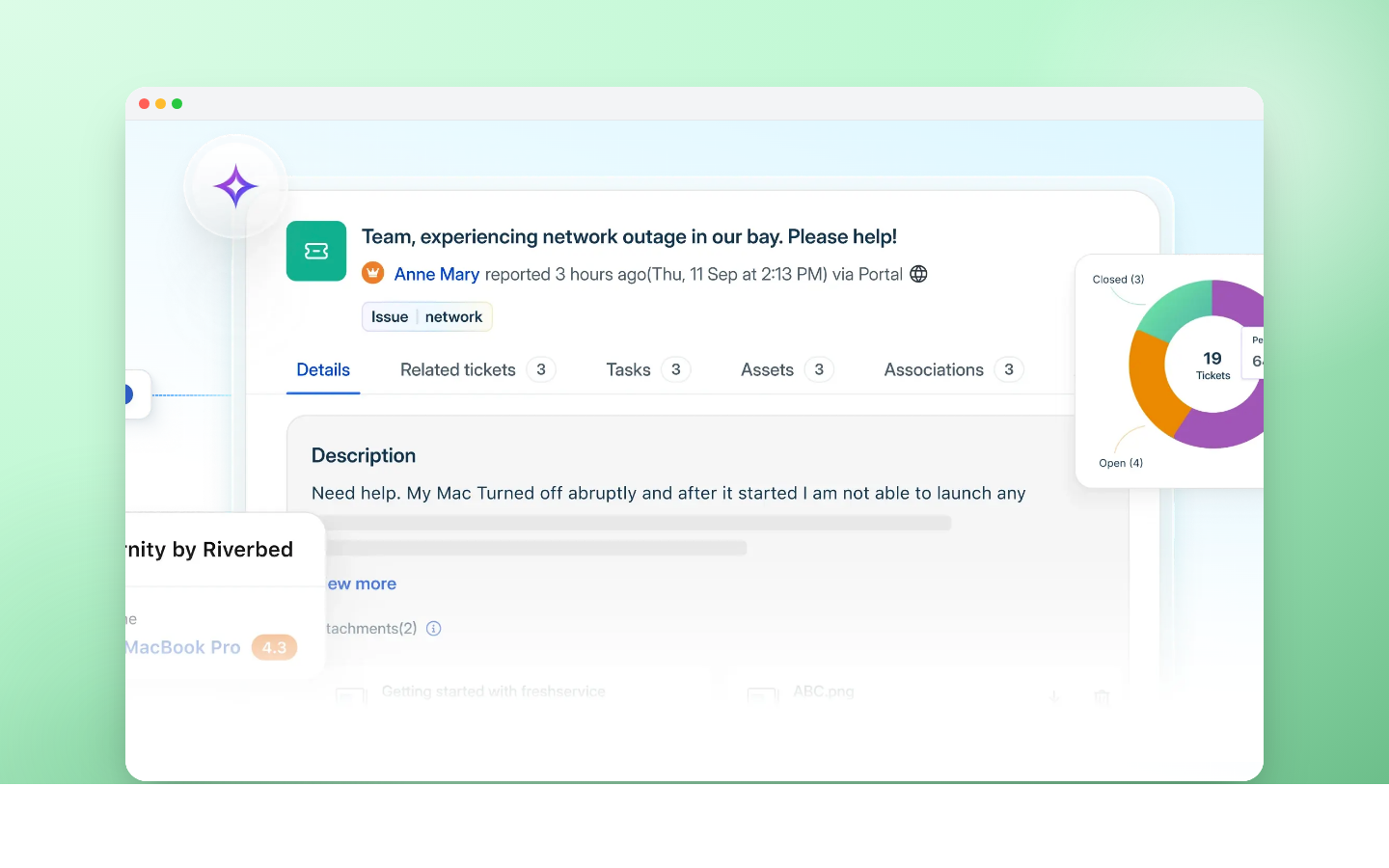
Best for: IT teams on Freshservice or Freshdesk. From $19 per user per month, 14-day trial.
Freshworks bundles knowledge base modules with its support suites. Multi-lingual articles, community forums, and article suggestions during ticket creation are solid. Freddy AI is an add-on on higher tiers. See our Freshdesk alternative if the add-on model concerns you.
7. Bloomfire
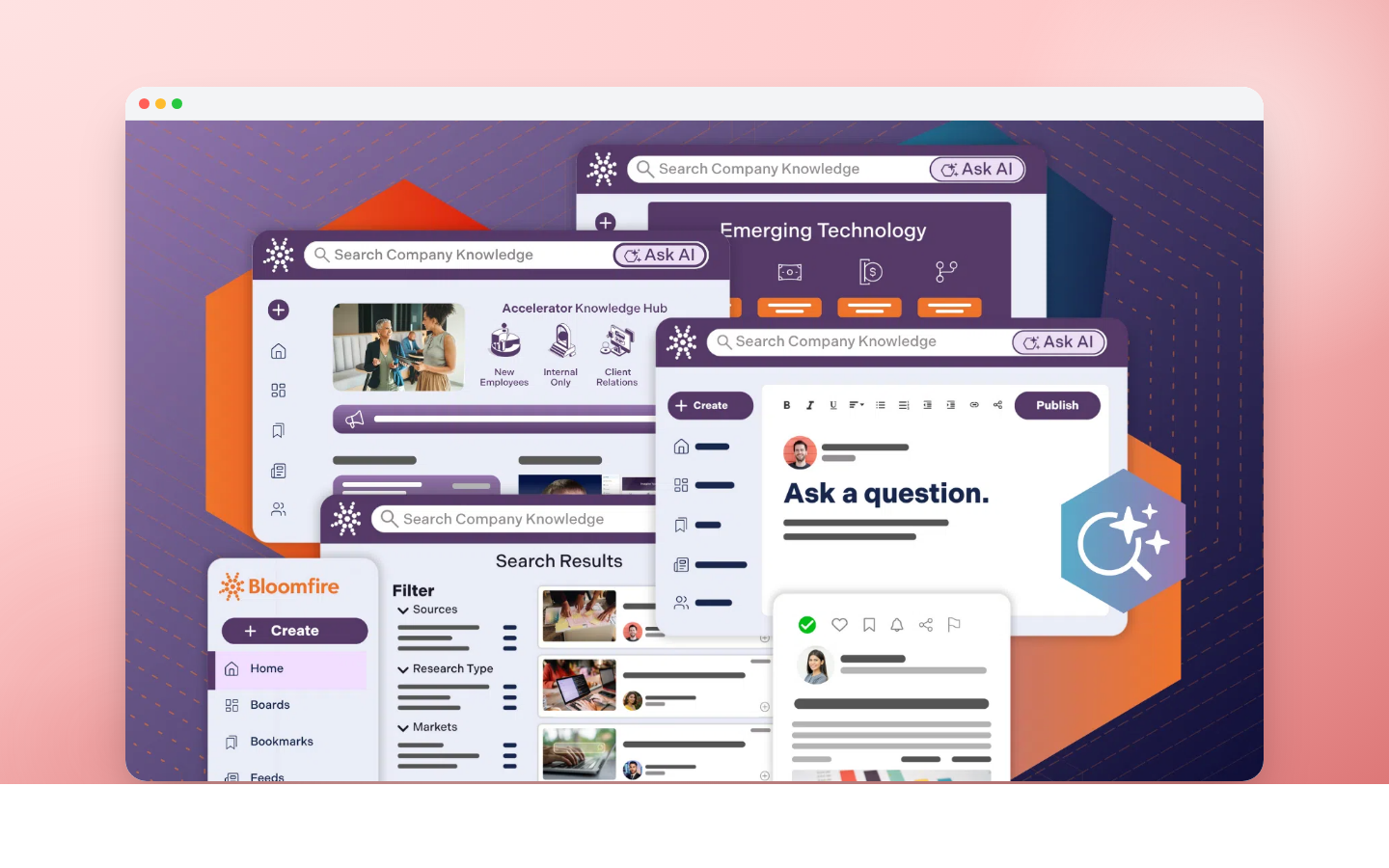
Best for: cross-functional teams sharing institutional knowledge. Custom pricing, 30-day trial.
Bloomfire is a knowledge management platform rather than a classic help center. Video-first content, Q&A forums, and deep analytics target large organizations needing knowledge sharing at scale. Heavier and pricier than most options here.
8. Document360
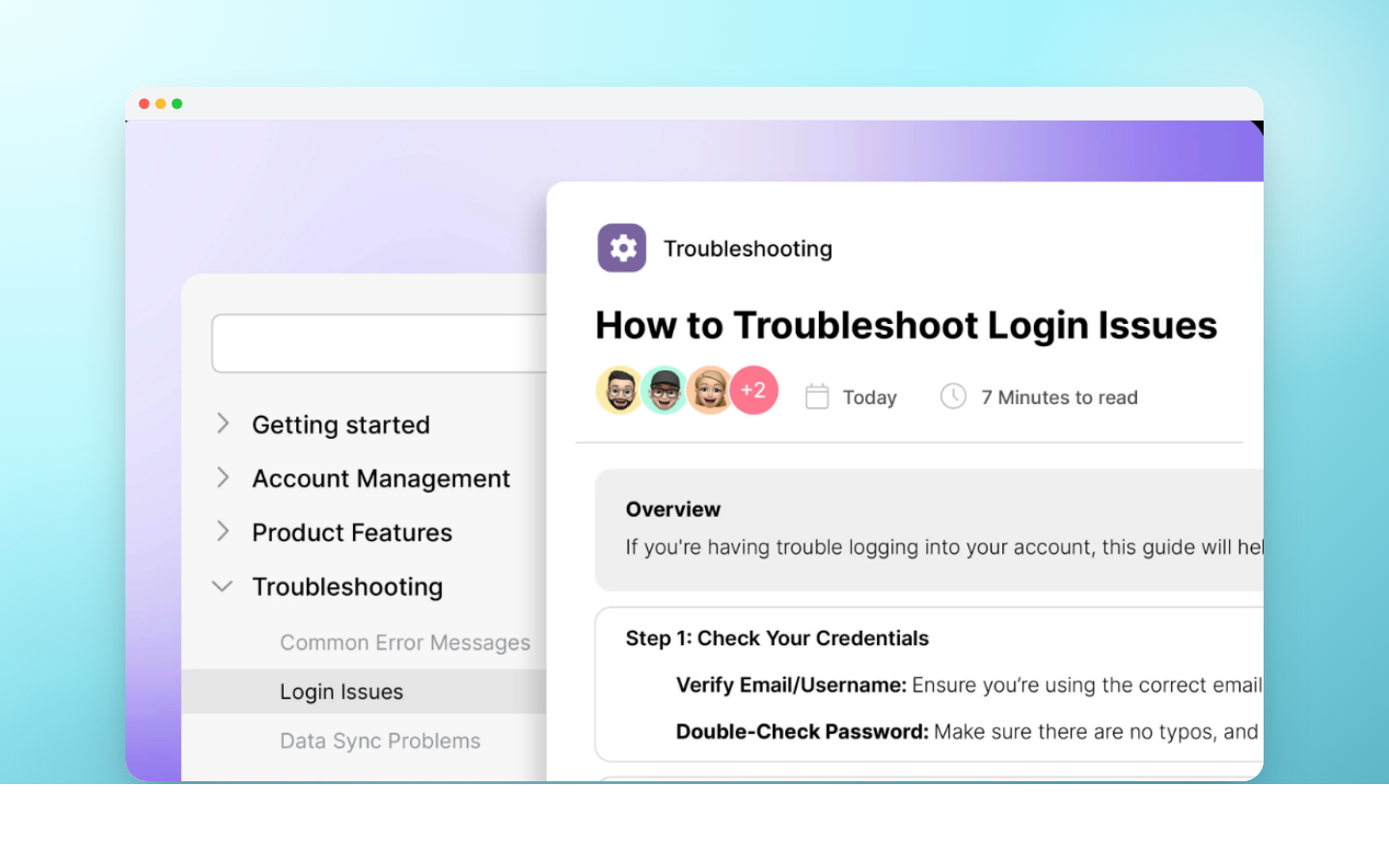
Best for: software companies producing technical documentation and API references. Custom pricing, 14-day trial.
Document360 focuses on developer-facing content: versioning, Markdown, code blocks, API documentation integrations. Ships category manager, analytics dashboards, and public or private portals. Strong for SaaS docs, weaker as a general support knowledge base.
9. Help Scout
Best for: growing teams sharing an inbox who want a simple knowledge base on the side. From $25 per user per month, 15-day trial.
Help Scout Docs ships with Help Scout's email-first support platform. Clean editor, decent multilingual support, minimalist portals. Weaker on AI and multi-channel than Zendesk, Deskwoot, or Intercom.
10. Crescendo
Best for: consolidating scattered knowledge into one AI-readable corpus. Custom pricing, 30-day trial.
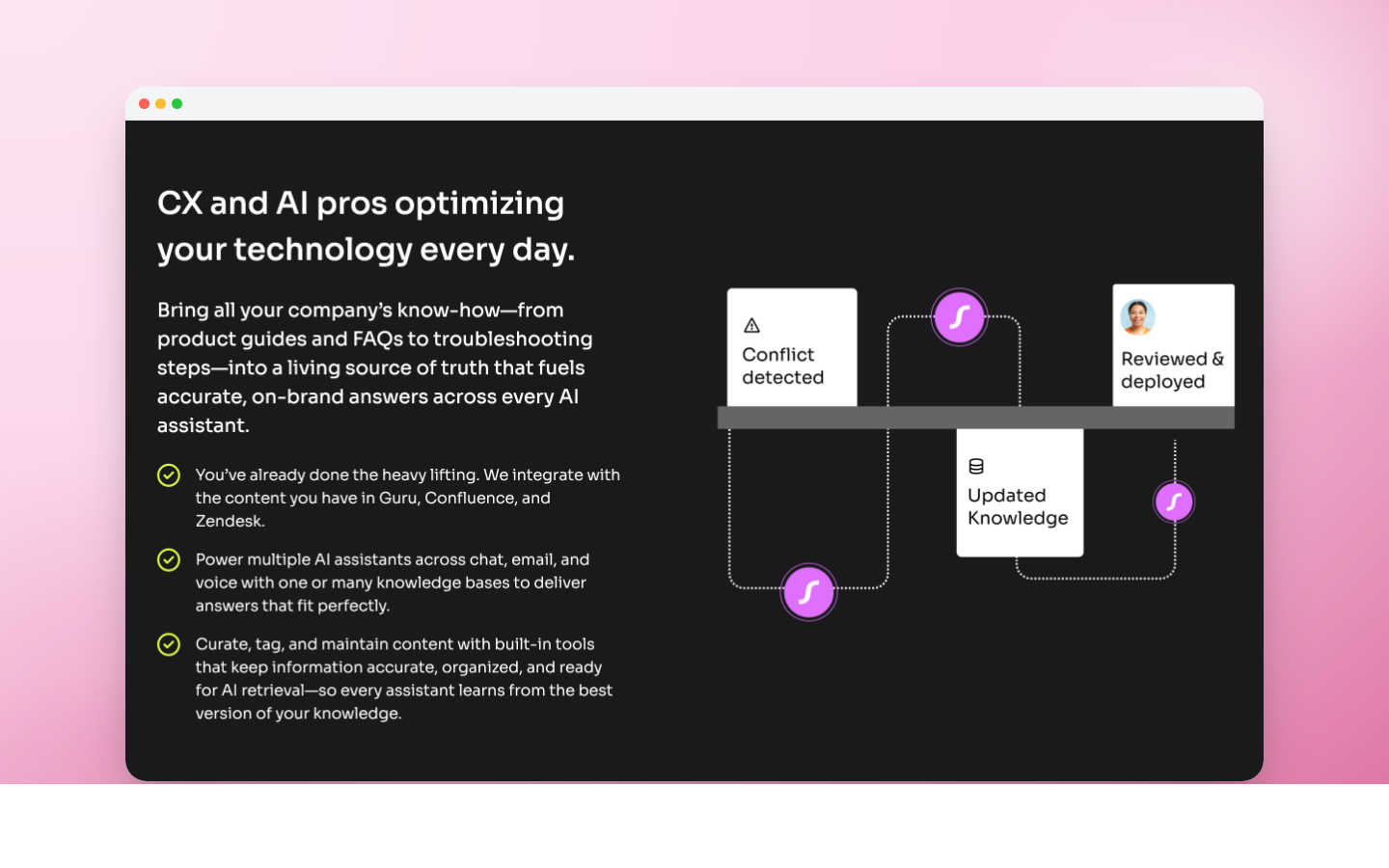
AI-first platform that ingests Google Drive, Notion, Confluence, and SharePoint into one searchable corpus. Strong for teams drowning in scattered docs. Limited as a customer-facing knowledge base on its own.
11. Slite
Best for: remote teams needing a lightweight internal wiki. From $20 per user per month, 14-day trial.
Internal wiki with a clean editor, AI-powered search, and AI-generated summaries. Works for async teams in text. Not aimed at customer-facing portals; weaker on SEO for public content.
Key benefits of great knowledge base software
- More accurate AI agents and Copilot. AI grounded in your knowledge base answers with your actual policies, not hallucinated facts. The single biggest reason this category matters more in 2026 than three years ago.
- Faster access to knowledge. Customers find answers in seconds instead of waiting hours; agents find the right policy in one click.
- Higher team efficiency. New agents ramp 2,3x faster; senior agents stop answering repetitive questions.
- Smarter business decisions. Analytics on views, failed searches, and unanswered queries reveal where product or pricing communication fails.
- Up-to-date information. Review workflows, scheduled audits, and version history prevent decay.
- Stronger collaboration. SMEs draft, editors review, admins publish. Without stepping on each other.
- Brand tone consistency. Articles become canonical truth for AI, agents, and customers.
Critical features to evaluate in knowledge base software
AI-powered content support. AI should draft articles from conversation transcripts, suggest updates when content goes stale, and detect gaps the knowledge base cannot answer. Deskwoot's Training Hub covers the grounding side: it feeds your website, help center, documents, and FAQ to the AI and re-crawls websites every 48 hours.
Flexible content organization. Categories, tags, hierarchies, multi-brand portals, locale-specific content. Fit how customers think about your product, not your org chart.
Powerful, easy-to-use search. AI-powered search beats keyword matching. Search analytics expose failed queries so content teams know what to write next.
Seamless tool integrations. The knowledge base should feed the AI Bot and AI Copilot automatically, embed articles in the agent workspace, and sync with CRM, commerce, and analytics.
Simple UX. A knowledge base that needs training to edit goes stale. One that needs training to read gets ignored.
Access control and performance insights. Role-based editing, approvals, draft reviews, and analytics on views, search success rate, deflection impact, and CSAT correlation.
How to choose the right knowledge base software
Ease of use versus advanced features. Slab and Nuclino are easy but lack AI depth. Zendesk Guide is powerful but needs a dedicated admin. Deskwoot sits in the middle with sensible defaults and AI included.
Basic versus AI-powered search. AI-powered search is the 2026 standard. Keyword-only platforms will lose.
Collaboration requirements. Small teams need simple workflows. Larger teams with regulated content need audit trails, role-based permissions, and approval queues.
Integrations and ecosystem. Check native integrations with your help desk, CRM, Slack, and analytics. Check API access for custom work.
Analytics and performance insights. If the product cannot show which articles work, which searches fail, and where AI deflection happens, you cannot improve.
Security and scalability. SSO, SAML, audit logs, data residency, and SOC 2 or ISO 27001 are non-negotiable as teams grow.
Budget and ROI. Calculate three-year TCO including add-ons, consultants, and AI pricing. Our guide to AI chatbot ROI covers the metrics.
Frequently asked questions
How long does setup take? The platform takes under an hour. A minimum viable knowledge base is 20 articles covering top customer questions. Usually 5 to 15 hours of writing across a small team.
What role does AI play? Three: AI-powered search so customers find answers when phrasing differs from the title; an AI Bot that answers using the knowledge base as grounding context; an AI Copilot that helps agents draft replies from relevant articles.
What metrics should I track? Monthly article views, zero-result searches, deflection rate, AI Bot success rate, CSAT correlation with article reads, and content freshness (percent reviewed last quarter).
Can I migrate? Yes. Most platforms import from Zendesk Guide, Intercom Articles, Help Scout Docs, Confluence, and Notion. Deskwoot's one-click importer covers Zendesk, Intercom, Freshdesk, Crisp, and Chatwoot. URLs preserve with redirect rules so SEO transfers.
Does a knowledge base improve SEO? Yes, with canonical URLs, Article structured data, clean semantic HTML, and original content. Public articles rank for "how to" queries and pull evaluation-stage traffic.
The bottom line
The best knowledge base software depends on whether you want a standalone product or one bundled with support, how heavy your AI needs are, and budget. For startups and mid-market teams that want everything included at startup-friendly pricing, Deskwoot is the 2026 pick. For enterprises locked into Zendesk, Zendesk Guide is natural. For internal-only wikis, Slab or Nuclino. For technical docs, Document360.
Start a 7-day free trial of Deskwoot to see knowledge base, live chat, AI Bot, and help desk in one platform. For a side-by-side of every vendor, see the full comparison page. For pricing, see the pricing page.
What is the best free knowledge base software in 2026?
The best free knowledge base software in 2026 depends on whether you need standalone or integrated. Standalone: Notion (unlimited blocks on personal free plan), GitBook (free for public docs, paid for private), and Outline (open source self-hosted). Integrated with a support platform: Deskwoot includes a public help center plus the AI bot grounded in your articles from the Startup plan ($4 per agent per month, $3.20 annual); the free Hacker plan has neither, but the 7 day free trial includes both.
For most small teams, the integrated option is cheaper in total because you save a separate subscription. The standalone option wins when you need internal-only documentation that should never appear in customer search or feed an AI bot. The decision usually comes down to: does this content need to be findable on Google? If yes, pick an integrated public help center. If no, pick a private wiki tool like Notion.


