The 30 questions every restaurant gets by message, with answers ready to paste
Guests ask the same things all week: open on Sunday, anything vegan, where to park, card or cash. Write the 30 answers once in an afternoon, then put them on your Google profile, your website and in the replies your team or your AI assistant sends.
Contents
Look at last Friday's messages. Hardly any were bookings: one guest asked if you open on Easter Monday, another whether dogs may sit on the terrace, and two asked about parking. You knew every answer, but none was written where they looked.
Below are the 30 questions guests keep sending. Each comes with an answer to fill in and the place to publish it, so one quiet afternoon covers the lot.
Write it once, publish it in 3 places
Write the answers in one document first. Then copy them out to the 3 places guests look.
Your Google Business Profile
Your profile takes the hours, special hours for holidays and attributes such as a wheelchair accessible entrance or cash only. Google recommends confirming your hours for public holidays even when they match the usual ones (Google's help on special hours).
Set the attributes early. Google usually reviews a change in about 10 minutes, but it can take up to 30 days (Google's help on attributes).
Your website
Your website gets one FAQ page, or a short block on the contact page. Our guide to FAQ page templates covers layout.
Google stopped showing FAQ rich results in search on May 7, 2026 (Google Search Central changelog), so the markup no longer earns you extra space in the results. The page now serves guests and any assistant that reads your site.
Your message replies
Your replies get the short versions:
- Quick replies in the WhatsApp Business app, which WhatsApp describes as shortcuts for messages you send often
- Saved replies in a shared inbox
- The FAQ list of an AI assistant
Hours and holidays (1 to 5)
Where: Google hours and special hours, the top of your FAQ page, your replies.
1. "Are you open on Sunday?"
"Yes, Sundays from [12 noon] to [9 pm], kitchen until [8:30]." Or: "No, we're closed on Sundays and Mondays. See you Tuesday from [5 pm]."
2. "Are you open on [Christmas Eve]?"
"On [December 24] we're open from [12] to [3 pm]. On [December 25 and 26] we're closed."
3. "When does the kitchen close?"
"The kitchen takes last orders at [9:30 pm]. Drinks until [11]." Your opening hours alone don't tell a guest this.
4. "Are you open today?"
This usually means something changed. "We're closed on [date] for a private event" or "for our summer break until [date]." Add the closure as special hours on Google the day you decide it.
5. "Do you serve food in the afternoon?"
"The kitchen is open [12 to 2:30] and [6 to 10 pm]. In between we serve [coffee and cake]."
Bookings and groups (6 to 11)
Where: your website, your replies.
6. "Can I book a table for 4 on Saturday?"
"You can see every free time and book here: [link]. For [9] or more, send us the date, time and number of guests and we'll reply by [11 am the next day]."
Nobody, human or software, should promise a table your booking system hasn't confirmed.
7. "Can we come without a booking?"
"Yes, we keep [the bar and 4 tables] free for that. On Friday and Saturday evenings, booking is safer."
8. "How do I change or cancel my booking?"
"Use the link in your confirmation email, or reply here with your name, the date and the time. Please tell us by [3 pm] on the day." If you charge for a no show, say how much here.
9. "We're a group of 20. Can you host us?"
"Yes, up to [30] guests in our [back room]. Send us the date, the number of guests and the occasion, and we'll send an offer with [set menus] by [the next working day]."
Ask for all 3 facts in the first reply, so your second message can be the offer.
10. "Can we book the whole restaurant?"
"From [40] guests, on [Sunday to Thursday evenings]. There's a minimum spend of [amount] and a deposit of [amount]."
11. "Can I bring my own cake or wine?"
"Cake yes, we charge [3] per person to serve it. A bottle of your own wine costs [15] corkage."
Menu, diets and allergens (12 to 18)
Where: the menu page and PDF, your FAQ page, your replies.
12. "Where can I see your menu?"
"Here: [link]. Our lunch menu from [Tuesday to Friday] changes every week: [link]." Post the menu as text or as a PDF with selectable text, because a photo can't be searched.
13. "Do you have vegan dishes?"
"Yes: [the vegetable curry and the lentil bolognese], marked [V] on the menu. The kitchen can make [the risotto] vegan on request."
14. "Is anything gluten free?"
"[The risotto and the grilled fish] are made without gluten ingredients. Our kitchen also works with flour, so we can't rule out traces. If you need a strictly gluten free meal, please tell your server when you order."
15. "Which dishes contain nuts?"
"Our allergen chart lists [all 14 allergens] for every dish: [link]. With a severe allergy, please tell your server when you order." Answer this one from your chart every time.
16. "Can the kitchen leave something out?"
"Usually, for [onion, garlic or dairy]. Ask your server. On busy evenings some dishes can't be changed."
17. "Do you have a kids menu and high chairs?"
"Yes, a kids menu for [7] and [3] high chairs."
18. "Do you have drinks without alcohol?"
"Yes: [2 alcohol free beers, homemade lemonade and an alcohol free wine pairing]."
What the law asks about allergens
Allergens are the one question where a guess can hurt someone. The rules depend on where you are:
- EU: allergen information is mandatory for food that isn't prepacked, including in restaurants and cafés (European Commission).
- Germany: staff may give it orally if a written record exists and a clearly visible notice says so (§ 4 LMIDV).
- UK: the Food Standards Agency also accepts a verbal answer with a written notice saying how to get the information. For phone or online orders, it must be available before the order is complete and again on delivery (FSA allergen guidance).
Elsewhere, check your local rules. This is general information, not legal advice.
Getting there and the visit (19 to 24)
Where: Google attributes, your contact page, your replies.
19. "Where can I park?"
"[The public car park on Market Street], 2 minutes on foot, [free after 6 pm]. We have no parking of our own."
20. "How do I get there by bus or train?"
"Bus [12] to [Market Square], then 3 minutes on foot. [Central Station] is a 10 minute walk."
21. "Is the entrance step free? Is there an accessible toilet?"
"The entrance has [one 10 cm step, and we have a ramp]. The accessible toilet is on the [ground floor]."
Give the exact detail, because a wheelchair user can't plan with "fairly accessible". On Google, set the accessibility attributes for entrance, restroom, seating and parking.
22. "Can I bring my dog?"
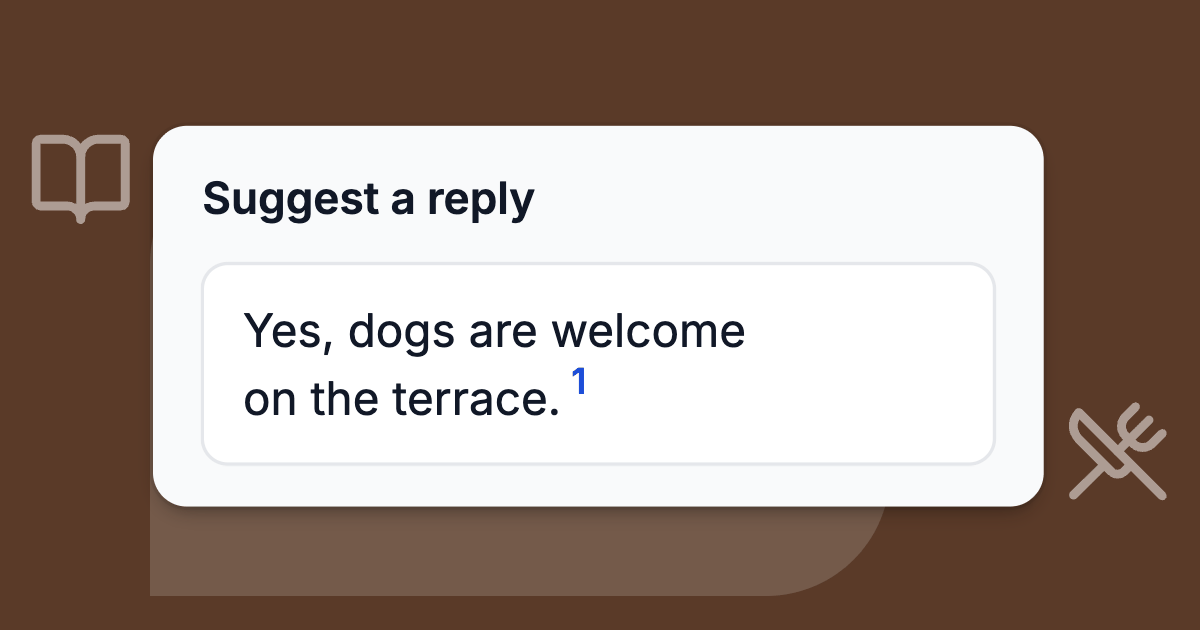
"Dogs are welcome [on the terrace and in the bar]." Or: "Sorry, no dogs, but assistance dogs are always welcome."
In the US, places that serve food must generally allow service animals in public areas (ADA.gov). In Germany, places open to the public generally may not turn away a guest because of their assistance dog (§ 12e BGG).
23. "Is the terrace open?"
"Our terrace has [24] seats and is open from [May to September] when the weather allows. Choose 'terrace' when you book: [link]." Mark outdoor seating on Google too.
24. "Is there a dress code?"
"Come as you are." Or: "[Smart casual in the evening, please.]"
Paying, vouchers and takeaway (25 to 30)
Where: Google payment attributes, your FAQ page, your replies.
25. "Can I pay by card?"
"Yes, all major cards, [Apple Pay and Google Pay], and cash." If you take cash only, put that in the first sentence and set the cash only attribute on Google.
26. "Can we split the bill?"
"Yes, up to [6] bills per table. For groups of more than [10], we ask for [one bill]."
27. "Do you sell vouchers, and how long are they valid?"
"Yes, here in the restaurant or online: [link], from [25]. They're valid for [3 years]."
Validity is country specific:
- Germany: a voucher without an end date is generally subject to the regular limitation period of 3 years (§ 195 BGB), which starts at the end of the year it was bought (§ 199 BGB).
- US: federal rules say the funds on a store gift card can't expire within 5 years of the card being issued or last loaded. Vouchers issued only on paper fall outside that rule (12 CFR 1005.20).
General information again, not legal advice.
28. "Do you do takeaway?"
"Yes, every dish [except the fondue]. Order [by phone at number] or here: [link], and pick it up at [the bar]."
29. "Do you deliver?"
"No, we don't deliver, but you can pick up every dish." Or: "Yes, within [3 km] through [link], minimum order [20]."
30. "Can I order by message?"
"Please order through [link] or by phone, so nothing gets lost. Messages are best for questions." Decide how you take orders and say it the same way everywhere.
Keep the list current
Set two reminders: [early November] for the holiday hours, and every menu change.
On a menu change, replace the PDF everywhere that day. Delete the old file from your AI assistant's sources too, so nobody gets offered last season's risotto.
When a guest asks something twice in a week that isn't on your list, it becomes question 31.
Let an assistant answer them
Any AI assistant needs exactly these answers. In Deskwoot, the AI agent Fynn answers guests from the sources in the Training Hub:
- Your website, read again every 48 hours, so new hours reach Fynn on their own. After a sudden closure, click Re-crawl and Fynn reads it at once.
- Documents such as the menu (PDF, Word, TXT or CSV, up to 10 MB). A scan without a text layer is refused at upload.
- FAQ lists in plain text: Q: before the question, A: before the answer, a blank line between pairs. Your document pastes in almost as it is.
More on sources: how to train an AI support bot on your knowledge base.
Menus and allergens
Fynn repeats only what your menu and allergen notes say. When they don't cover a question, it says so and offers a person instead of guessing. It gives no health advice and doesn't replace the allergen information you owe guests.
Start from your website
The guided setup asks 8 of the questions above. Fynn drafts the answers it finds on your website, and you check them and write the rest.
Help center and saved replies
On Startup and up, Fynn also answers in your help center search, the chat widget can show up to 4 suggested articles, and your team inserts the short answers as canned responses with /.
Price and trial
Fynn comes with every paid plan, from Startup at $4 per agent a month ($3.20 billed annually), with 50 AI conversations a month per workspace, help center answers included. Each extra one costs $0.07 from a prepaid balance. The free Hacker plan has no Fynn.
Ask the live demo on the restaurant page a few questions from this list. Then sign up and paste in your document.
The 7 day trial runs on Enterprise for up to 30 seats including yours, with no card. Afterwards, you pick a paid plan or keep the free Hacker plan.
Also available in:DeutschEspañolFrançaisPortuguês (Brasil)