
Notes and tasks
from the chat
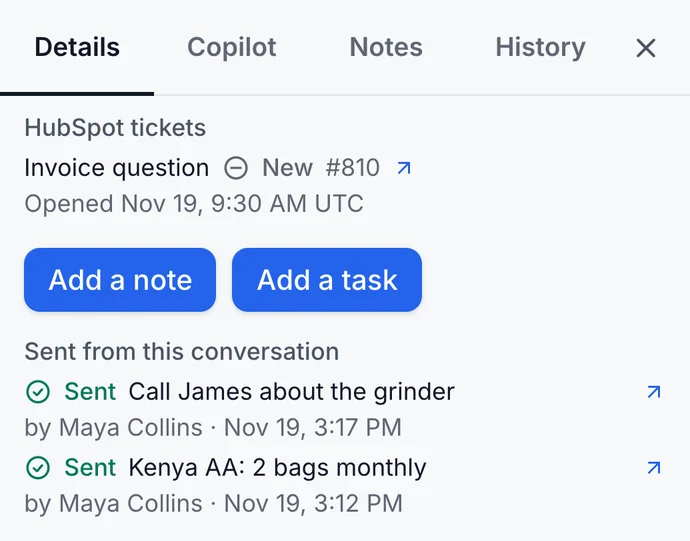
Add a note or a task to the customer's HubSpot contact without leaving the conversation. Put the last messages into a note with one click, or give a task its due date.
Integration
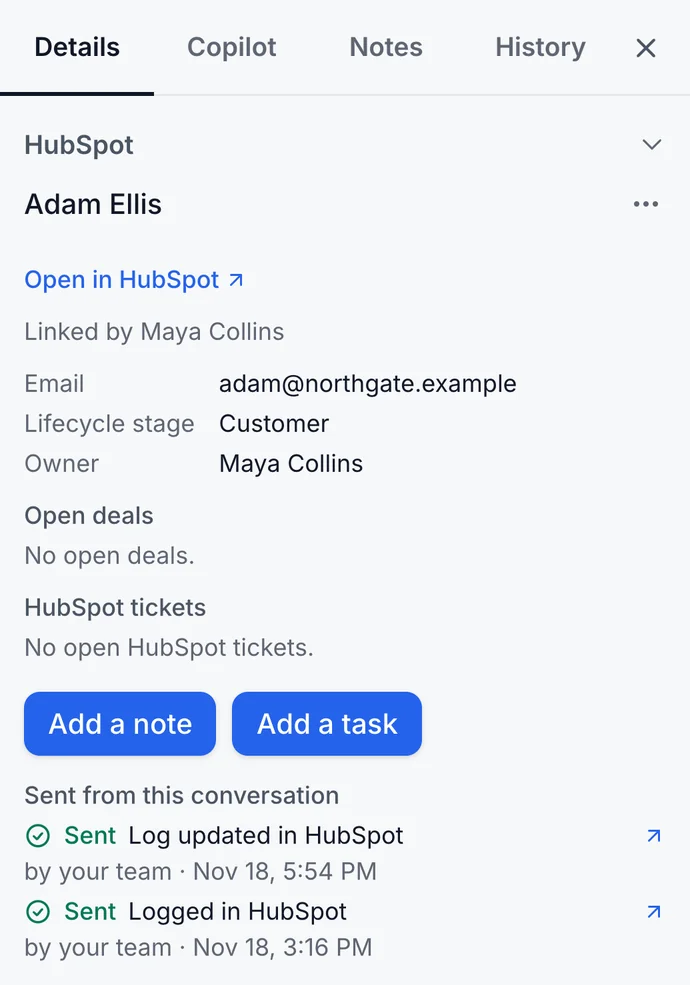
See the contact, deals and tickets while you reply. Resolved chats land in HubSpot as notes.
Free for 7 days, for up to 30 people on your team. No credit card.

Add a note or a task to the customer's HubSpot contact without leaving the conversation. Put the last messages into a note with one click, or give a task its due date.
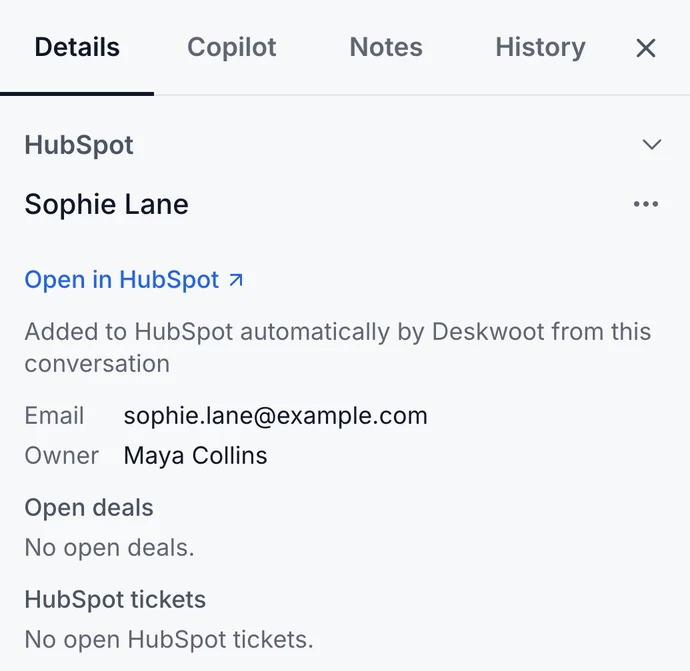
Every 5 minutes, Deskwoot looks up the people who write to you in HubSpot by their email address. The ones HubSpot does not have yet become contacts, at most 200 a day, and existing contacts never change. Email inboxes stay out unless you pick them.
When a conversation from the inboxes you pick is resolved, Deskwoot writes it to the linked HubSpot contact as one note: the messages the customer saw, never your internal notes. When it is resolved again, Deskwoot updates the same note.
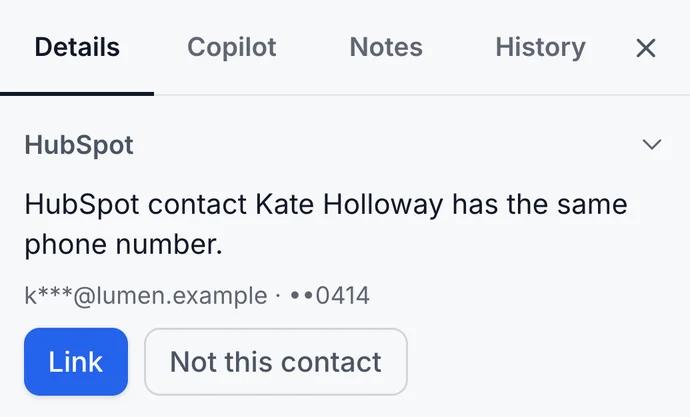
No HubSpot contact linked yet? Search HubSpot by name, email or phone and link the right person. Someone new? “Add to HubSpot” creates the contact, or links the one HubSpot already has with that email.
How to connect

QUESTIONS
The linked contact, its company, open deals and open tickets, with the names of owners and stages, when your team opens a conversation or contact. Deskwoot shows them only to your team and keeps no copy of your HubSpot records.
New contacts for people not yet in HubSpot, one note per resolved conversation, and your team's notes and tasks. It never changes or deletes a contact, company, deal or ticket. In HubSpot, the Deskwoot card shows only your team the customer's conversations, never message text.
Resolved conversations in which the customer wrote, from the inboxes you pick (every inbox by default), once the contact is linked to a HubSpot contact. Group chats are never logged, and the note holds only messages the customer saw, never internal notes.
Only Copilot, your team's AI assistant in a conversation, on paid plans. When a teammate asks, it reads the linked contact's stage, owners, company, open deals and tickets. The AI agent that answers customers never reads HubSpot, and no HubSpot data trains an AI model.
Any HubSpot account, the free HubSpot CRM included. An admin of your Deskwoot workspace connects it and signs in to HubSpot as a Super Admin or a user with App Marketplace access. One HubSpot account belongs to one Deskwoot workspace.
Nothing extra. HubSpot connects on every Deskwoot plan, the free Hacker plan included. Copilot, which also reads the linked HubSpot contact, comes with every paid plan, and the 7 day trial includes it.
Related