Visit slots from your Outlook calendar: which trade jobs to make bookable and which need a quote first
A boiler service can go straight into your calendar, while a new bathroom needs a survey first. Which jobs to make bookable, and how to set hours that still leave room for emergencies and driving.
Contents
- Customers wait weeks for any date
- Two questions that sort your jobs
- Turning that list into appointment types
- Bookable hours that survive an emergency
- Your team confirms, or Fynn books on his own
- What Deskwoot reads in your calendar
- A starting setup for a 2 person plumbing firm
- Try the setup on your own calendar
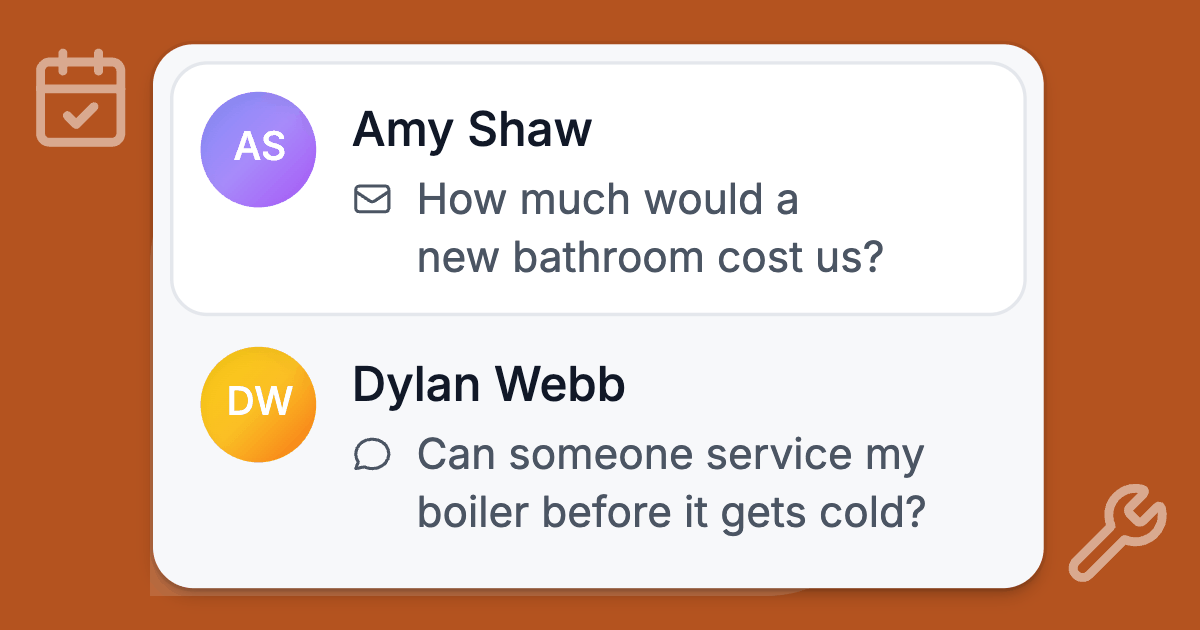
Your phone buzzes at 9 on a Sunday evening: "Can someone service my boiler before it gets cold?" An hour later: "How much for a new bathroom?" Both people want a date, and only the first should get one straight from a chat.
You'll get a simple test for which jobs customers can book themselves and which need a quote first, plus settings that keep room for emergencies and driving.
Customers wait weeks for any date
Getting any date at all is hard enough for customers. German trades businesses had an average order backlog of 8.7 weeks in the second quarter of 2026, according to the ZDH, the German trades association.
On a German builders' forum in 2023, a homeowner who wanted an air conditioner fitted put it in 5 words: "Ich bekomme einfach keine Angebote" (I just don't get any quotes). Those are German examples, and your own market may look different.
Fynn, the AI assistant in Deskwoot, can now offer free times from your Outlook calendar and book them in the conversation. The launch post shows how that works step by step.
Two questions that sort your jobs
- Do you know how long it takes before you've seen it? A boiler service takes roughly the same time every year. A leak behind a tiled wall takes as long as it takes.
- Could you name the price, or at least a fixed callout fee, without a visit? If the price depends on what you find, the customer needs a quote, and a quote needs a look.
Two yeses and the job can be booked from a chat. Any no and the job needs a quote first. What the customer books then is the visit to look at it.
| Job | Bookable from the chat? | Why |
|---|---|---|
| Annual boiler or heating service | Yes | Known length, known price, and customers usually know when it's due |
| Landlord gas safety check (Great Britain) | Yes | A legal cycle of 12 months and the same checklist every time |
| Dripping tap, new washer or cartridge | Yes, with a fixed callout fee | Short, predictable, and the parts are in the van |
| Smoke alarm or socket replacement | Yes | Short job with standard parts |
| New boiler | Book the survey, then quote | Size, flue position and pipework decide the price |
| Bathroom refit | Book the survey, then quote | Weeks of work, several trades, and a price that depends on what's behind the tiles |
| EV charger installation | Book the survey, then quote | The fuse box, the cable route and where the car parks set the price |
| Burst pipe, gas smell, no heating in winter | Never a booking | Your emergency number and first steps. With a gas smell, the emergency services come first |
For quote jobs, book the visit
The Federation of Master Builders in the UK tells homeowners that a detailed quote "can't be thrown together" and can take "a few weeks to produce" (FMB guide).
So don't try to quote a bathroom in a chat. Offer the first step instead: a 45 minute survey visit.
The same guide warns that asking more than 3 or 4 builders can backfire. A homeowner who follows it keeps the list short, and a survey date in your first reply is a simple way onto it.
If you charge for surveys, write that into the content Fynn learns from, so he can answer when someone asks.
Turning that list into appointment types
In Deskwoot every bookable job is an appointment type: a name customers see and a length between 5 and 480 minutes. You can have up to 30, but a small firm can start with 3 to 5.
- Name each type the way customers ask for it. "Boiler service" works. "BS annual" doesn't.
- Set the length to the time on site, including the paperwork you do there. Leave the drive out, because the buffer takes care of it.
- Pause a type instead of deleting it. The switch between Bookable and Paused helps in the first cold week of the year, when breakdowns fill your days and services can wait.
Jobs you leave off the list
Fynn doesn't book jobs you leave off the list. When you pick trades in Deskwoot's guided setup, his rules for those requests are:
- Collect the address or postcode, a short description, the days that suit and a phone number or email.
- Repeat them in one short list.
- Hand the conversation to your team.
Customers can send photos for your team. Fynn can't see them and never confirms a price for new work.
You can add rules of your own to Fynn's instructions. The help article on what Fynn answers from covers his instructions and his other sources.
If you write quotes in Lexware Office, a German accounting tool, you can let Fynn turn a quote request into a draft there once the customer confirms the details. The Lexware post explains how.
Bookable hours that survive an emergency
This is where online booking for tradesmen can go wrong. A customer books 8:00, someone with a burst pipe rings at 7:40, and you spend the morning moving people.
Keep bookable hours shorter than your working day
You set one window per weekday in your time zone, and Fynn only offers a time when the whole job fits inside it.
If you work 7:30 to 17:00, try bookable hours of 9:00 to 14:00. The early start stays free for last night's urgent call, and the late afternoon catches overruns.
Block emergency time in Outlook
Bookable hours have one window per day, so a gap in the middle needs a calendar event. A recurring event from 12:00 to 13:30 that shows as Busy is never offered. Deskwoot doesn't read titles, so you can call it anything.
Check the Show As setting. Outlook marks new items Busy by default (Microsoft's guide), but an event set to Free or Working elsewhere blocks nothing.
The buffer is your driving time
The buffer is kept free before and after every busy time in the calendar, and the settings page offers 5 minutes up to 2 hours. 30 minutes suits a firm working in one town, and a rural area may need 60.
The booking rules don't know where a job is, and Deskwoot doesn't plan routes. So set the buffer for a typical drive on an ordinary day.
Minimum notice decides tomorrow morning
The default is 2 hours, which is short for most trades. With 12 hours, a booking made during the day starts tomorrow at the earliest.
With 24 hours, a booking made at 20:00 on Monday can't start before Wednesday morning (with hours of 9:00 to 14:00). That gives you time to order the part and plan the route.
How far ahead depends on the work
Customers can book 30 days ahead by default and up to 90. Annual work argues for longer.
In Great Britain, landlords must have gas appliances checked at intervals of not more than 12 months under regulation 36 of the Gas Safety (Installation and Use) Regulations 1998. A check done in the 2 months before the deadline counts as done on the deadline (regulation 36A).
A landlord who wants to use that window needs your calendar to open about 60 days ahead. Other countries have their own rules. This is general information and doesn't replace legal advice.
Fewer start times keep the day tidy
Starts every 30 minutes give 9:00, 9:30, 10:00. A trades day rarely runs to the half hour, so starts every 60 or 120 minutes are easier to keep.
One calendar per engineer or van
You can make up to 20 calendars bookable and give each the name customers see. When several are free at the same time, Fynn books the first one in your order.
Under "Also block times from" another calendar of the same account can count as busy too, like a private one with the school run in it.
Check the Preview before you switch on
Before you turn on "Fynn offers free times", open the Preview on the same page. It lists the next times Fynn would offer, read live from your calendars with your saved rules.
Your team confirms, or Fynn books on his own
You choose this separately for new bookings, cancellations and moves. Each choice applies to the whole workspace and to every appointment type in it, so set it for the riskiest job on your list.
Your team confirms
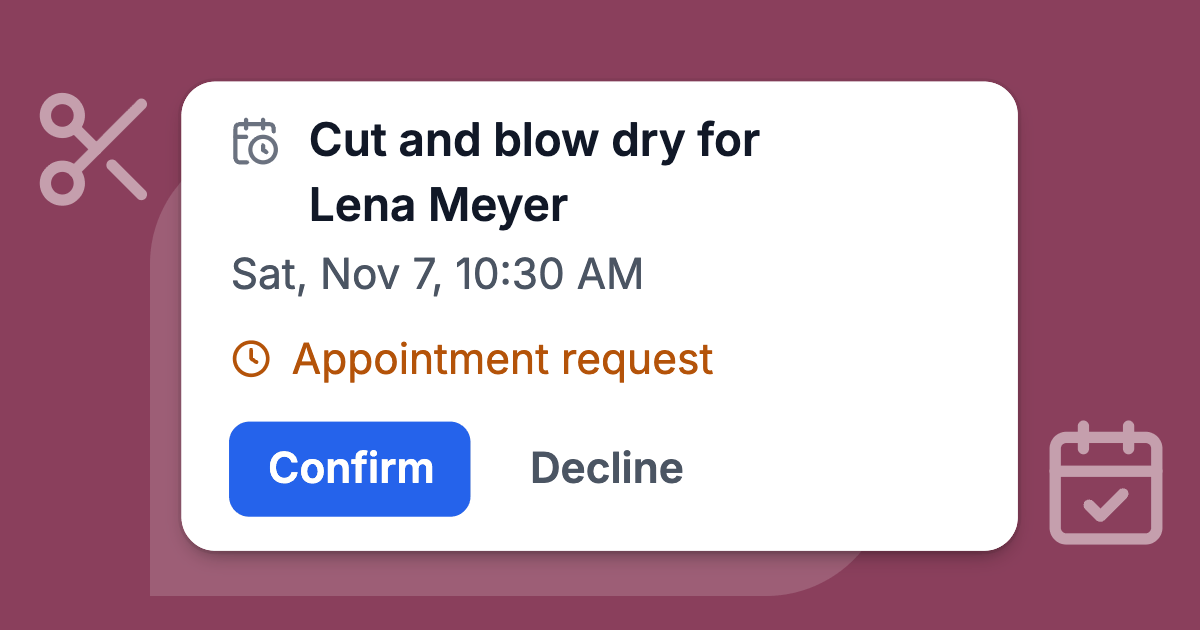
This is the default. After the customer says yes, Fynn holds the time, and your team gets a notification and a card in the conversation with Confirm and Decline. Decline lets you offer up to 3 other free times instead.
A request waits at most 23 hours, less when the appointment itself is close, and your team gets one reminder after 2 hours. If nobody decides, the customer hears that a teammate will reply, and the conversation goes to your team.
Fynn books on his own
Fynn creates the event right after the customer's yes and lets your team know. He books at most 5 appointments this way per hour across the workspace. Anything above that waits for your team.
Which one suits a trades business
Team confirmation is the safer start whenever a bookable job depends on the address or the description. A "tap repair" that turns out to be a leak under the floor, or a customer 40 km outside your area, is easier to catch before the date is confirmed.
Booking on his own makes sense when every bookable type has a fixed length and price, such as annual services, and nobody can check the phone during the working day.
Moves are a good first thing to hand over. A move keeps the same job and only shifts it to another free time.
Fynn changes an appointment only for the customer it belongs to: in the conversation it was booked in, or after they've confirmed who they are.
What Deskwoot reads in your calendar
A tradesperson's calendar is a list of names, addresses and what's broken in people's homes. Deskwoot reads only when each event starts and ends, whether it shows as busy and whether it was cancelled.
It never reads titles, descriptions, attendees or locations, and Fynn only gets the free times worked out from that.
What it writes
The events Deskwoot writes are private and have no attendees, so Outlook sends no invitations. The title is the appointment type and the customer's name, like "Boiler service: Sam Okafor".
The description holds the customer's email or phone number and a link to the conversation. The address, the photos and the job details stay in the conversation. If you disconnect the calendar, the events stay where they are.
Data minimisation under the GDPR
In the EU, the GDPR asks that personal data be "limited to what is necessary" (Article 5(1)(c) GDPR, data minimisation). Reading only busy times means the names and addresses in your other appointments never reach Deskwoot or its AI.
This is general information and doesn't replace legal advice.
A starting setup for a 2 person plumbing firm
- Appointment types: Boiler service (60 minutes), Tap or toilet repair (60 minutes), Survey for a new boiler or bathroom (45 minutes).
- Bookable hours 9:00 to 15:00, Monday to Friday, which leaves the early start and the late afternoon for urgent work.
- Buffer 30 minutes, minimum notice 12 hours, bookable 60 days ahead, start times every 60 minutes.
- Your team confirms new bookings and cancellations, and Fynn handles moves on his own.
Run it for a few weeks, read what people booked, and loosen the rules where they held.
Try the setup on your own calendar
With this setup, the Sunday evening boiler message gets free times from your Outlook calendar in the same chat, and the bathroom request gets a survey date. Your part is one tap on Confirm, or nothing for the moves Fynn handles on his own.
Outlook works with Microsoft 365 and Outlook.com accounts. Google Calendar is not available yet. What it costs:
- Connecting Outlook works on every Deskwoot plan, the free Hacker plan included.
- Fynn offers and books times on every paid plan, starting with Startup at $4 per agent a month.
- The 7 day trial includes it. It runs on Enterprise, needs no card and covers up to 30 seats, yours included.
Plans are on the pricing page, and the trades page shows what else Fynn does for trades businesses.
To try it, start the 7 day trial, connect Outlook under Settings > Integrations > Appointments and run the Preview before you switch Fynn on. It shows your real free times before any customer sees one.
If you don't pick a paid plan after the 7 days, the workspace carries on with the free Hacker plan for 1 agent.
Also available in:DeutschEspañolFrançaisPortuguês (Brasil)