Instagram and Facebook DMs in the same inbox as WhatsApp: what changes for salons, restaurants, shops and agents
Instagram and Facebook Messenger DMs now land in the Deskwoot inbox next to WhatsApp, email and website chat. What each industry gets asked in DMs, the Meta rules that decide whether a reply still goes out, and what to change on launch day.


Contents
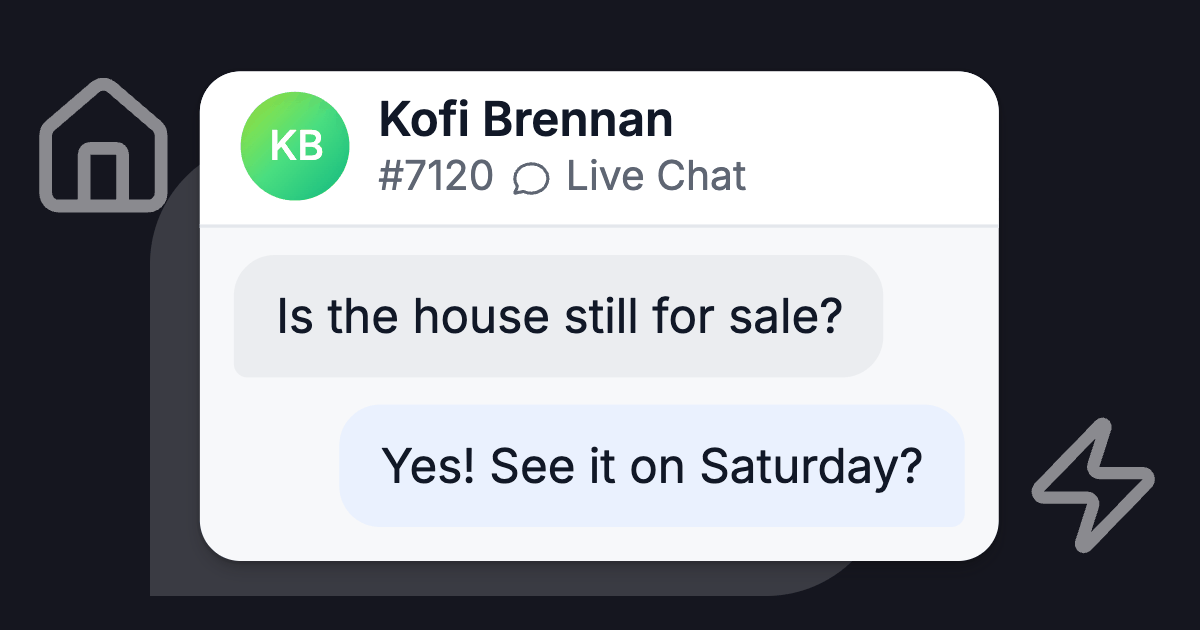
Saturday, 9:40 pm. Someone watches your balayage reel and asks in a DM: "How much would this be on long hair?" On WhatsApp, that question would land in your shared inbox. On Instagram, it waits on the salon phone until Tuesday.
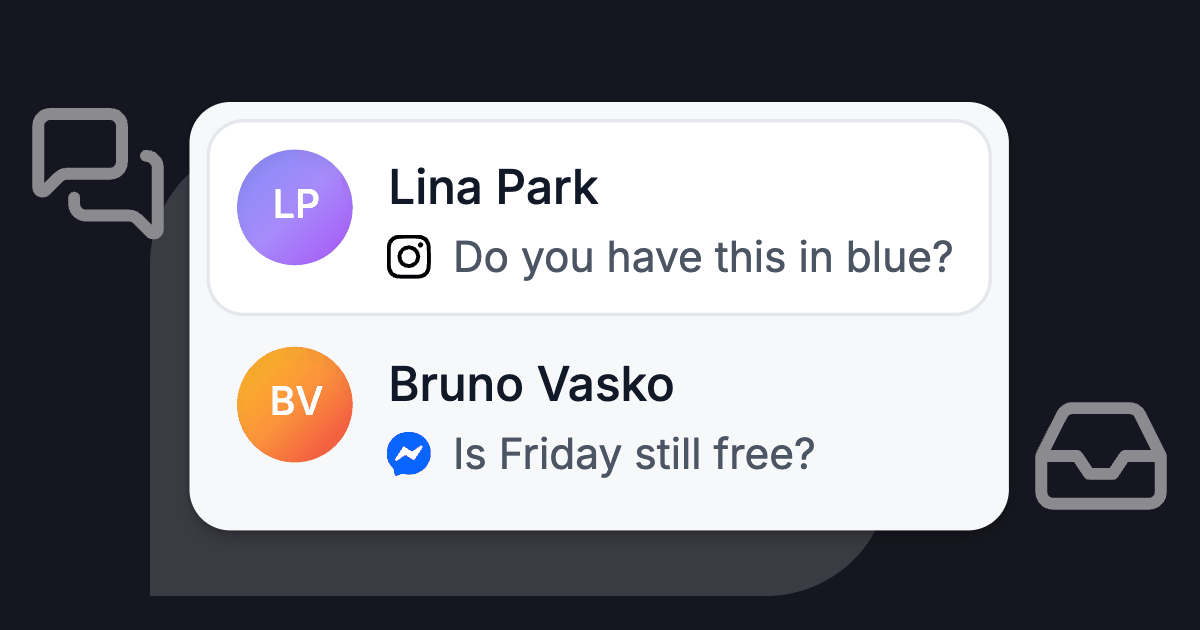
Deskwoot now brings Instagram and Messenger DMs into that inbox. Here is what salons, restaurants, shops and agents get asked, and what to set up on launch day.
Why a DM needs a faster answer than an email
What customers expect
People treat a DM like a chat. In the 2025 Sprout Social Index, about three quarters of consumers said they expect a response within 24 hours or sooner. And 73% said they would buy from a competitor if a brand doesn't respond on social.
The research firm Glimpse ran the survey for Sprout Social with 4,044 consumers in the US, UK, Canada and Australia. Sprout sells social media software, and the survey covers only 4 English speaking markets, so read it as a rough direction.
Meta's 24 hour reply window
Meta turns that expectation into a hard limit. Its policy for the Messenger Platform and the Instagram messaging API gives a business a standard messaging window that "for most user actions" lasts 24 hours after the customer's last message.
Every inbox tool sends through that API, Deskwoot included. In Deskwoot, those 24 hours apply to every reply, whether Fynn (the Deskwoot AI bot) writes it or someone on your team does.
Once the window has closed, the reply box in Deskwoot says "The reply window is closed", and your reply waits until the customer writes again. You also can't start an Instagram or Messenger conversation with someone who hasn't written to you in the last 24 hours.
WhatsApp has the same 24 hours, but an approved template can still reach the customer after them. On Instagram, only the customer can restart the chat. A question sent at 9 pm on Friday is past the standard window by 9 pm on Saturday.
What reaches the inbox, and what stays on Instagram
Each Instagram professional account and each Facebook Page becomes its own inbox (setup guides for Instagram and Messenger). From Instagram you get:
- text, photos, videos, voice messages and stickers
- replies to your stories, with a link to the story, and a note when someone mentions you in theirs
- posts and reels people share with you, as links
- reactions to your messages, and a mark when the customer unsends one
Messenger brings text, photos, videos, voice messages, files, stickers and reactions. When someone writes after tapping one of your ads, the conversation shows which ad.
Message requests from new customers
Instagram files messages from people who don't follow you under Requests, as Meta's Instagram messaging documentation explains. Those are often the new customers you made the reel for.
Deskwoot receives them like any other DM. Once you reply from Deskwoot, the chat moves to General in Instagram.
Replies sent from the Instagram app
Someone on your team may still answer from the Instagram app or Meta Business Suite. That reply shows up in the Deskwoot conversation as the team's reply, so the next person sees it before writing.
Comments stay under the post
Comments don't arrive. Deskwoot receives direct messages, story replies and story mentions. A "price?" under a reel stays under the reel.
What each industry gets asked in DMs
The questions are predictable, which is good news. Whatever tool you use, the work is the same: write the answer down once, in a place every channel reads from.
Salons: the price, a free slot, and a photo
Salon DMs are short and look alike: "How much is a balayage on long hair?", "Anything free on Saturday?", and a screenshot of someone else's color with "can you do this?".
A price list with starting prices and a sentence on what changes them (length, thickness, a color correction) answers the first kind. A booking link answers the second. The third needs a stylist.
Fynn gives starting prices exactly as your price list states them and says the team confirms when length or effort changes the price. Anyone asking for an appointment gets your booking link.
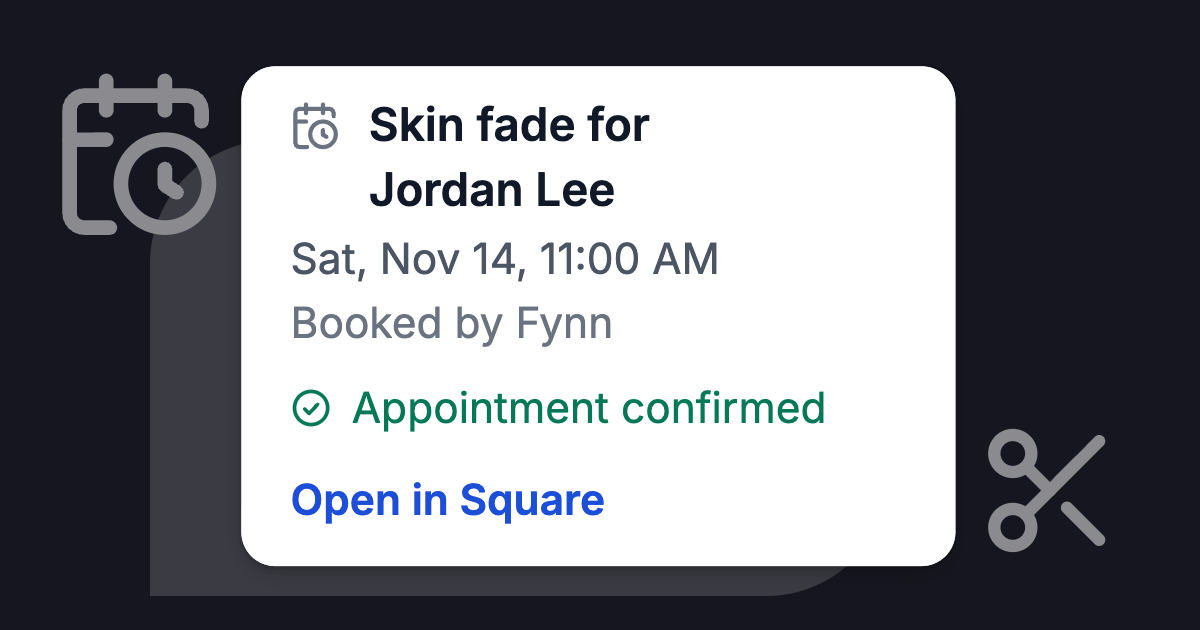
With an Outlook calendar connected, Fynn offers free times in the chat, and you confirm the pick with 1 tap or let it book right away.
Fynn doesn't look at photos, so a screenshot without a question waits for your team. The salon page shows the full setup.
Restaurants: tonight, the menu, and the big table
"Are you open tonight?", "Table for 6 at 8?", "Anything vegan?", "Can we have the back room for 25 on the 14th?"
InstantDM, which sells Instagram DM automation, claims on its page for restaurants that they answer the same questions 15 to 30 times a day. The figure comes from the vendor's own marketing and was not measured in a study.
Hours, directions and parking belong on your website. Upload the menu as a PDF with selectable text, and Fynn names the vegan or gluten free dishes. If the menu doesn't say, Fynn doesn't guess, and your team checks.
Table requests get your reservation link, and large parties go to you. When your content has no answer, for example about the back room, Fynn hands the conversation over. More on the restaurant page.
Shops: size, shipping, and where is my order
The Convertway, which sells an Instagram inbox tool, lists the usual ecommerce DMs in its guide to Instagram support for small brands: "Is this available in medium?", "Do you ship to Bangalore?", "What's the price?", "Where's my order?"
A size guide per product type and a shipping page with countries, times and costs cover most of them. Fynn answers sizes, shipping and returns from your store pages, in the customer's language.
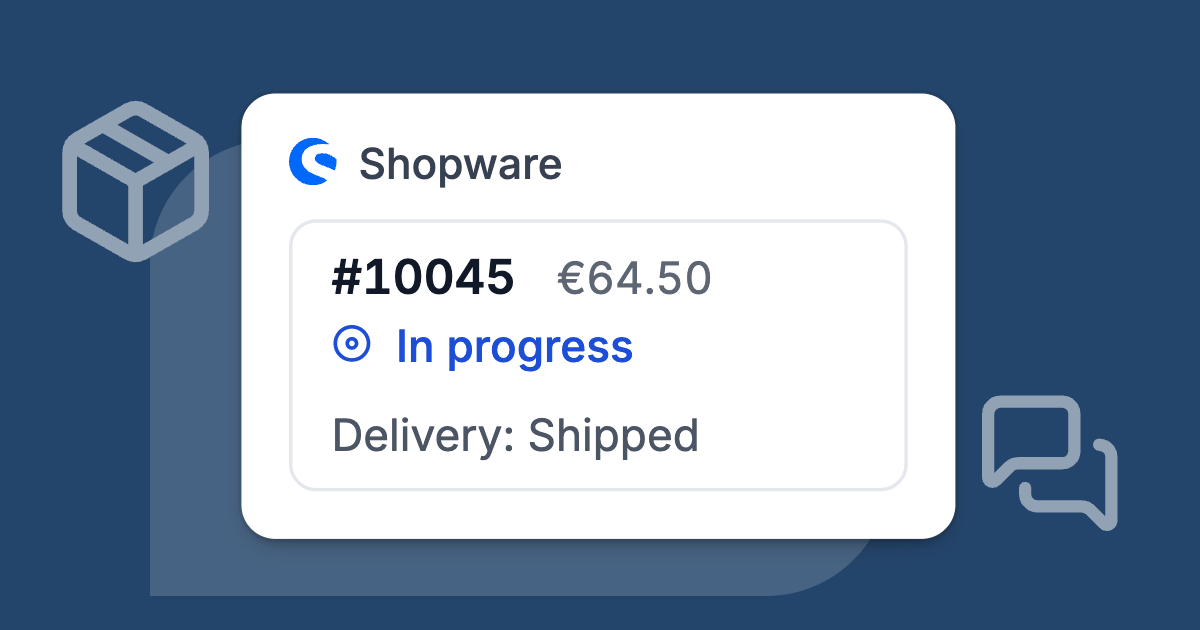
With Shopify or WooCommerce connected and order access allowed in the bot settings, a customer who gives the order number and the shipping postal code gets the order status and tracking. Anything more personal waits until the customer clicks a confirmation link Fynn emails, valid for 15 minutes.
Stock is the trap. Fynn rereads your website every 48 hours, so a size that sold out this morning can still look available to it. Tell it in its instructions to send the product link for stock questions. The online store page has the rest.
Estate agents: "price?" under the reel
Agents get the most annoying version: "price?" as a comment under a listing reel. Comments don't reach Deskwoot, so two habits help:
- Put the asking price or the rent in the first line of the caption, where nobody needs to ask.
- Answer the comment with the price plus "DM us 'viewing' and we'll send times". The people who are serious then start a DM, and that lands in your inbox.
The DMs ask "Is it still available?", "Are pets allowed?" and "Can I see it Thursday?". Fynn answers from your website and the brochures you upload, and calls a property available only when your listing says so. It never values a property.
With Propstack (Germany) or Justimmo (Austria) connected, it answers from your listings there (how that works).
With Outlook connected, Fynn offers free viewing times and by default you confirm each one with 1 tap. Without a calendar it asks for the property, a name, contact details and preferred times, and hands you all of it in one short list. See the real estate page.
One set of answers for every channel
Adding a channel usually adds a second version of the truth. The website says a cut starts at 65, a story highlight from last spring says 55, and the WhatsApp answer depends on who is on shift.
The balayage DM from Saturday gets its answer on Tuesday, typed from memory by whoever opens the salon phone first.
Fynn reads one Training Hub
Fynn reads the same Training Hub on every inbox you switch it on for (how the Training Hub works):
- your website, reread every 48 hours
- your help center
- documents such as a price list or menu PDF
- FAQ lists you write yourself
Upload the new price list once and the Instagram answer changes with the WhatsApp one.
Canned responses for your team
Canned responses work the same way for your team. They belong to the whole workspace, so the shortcode for your cancellation policy inserts the same text in an Instagram DM, a WhatsApp chat or an email (canned responses, Startup plan and up).
What carries over from your other channels
On its first reply in an Instagram or Messenger conversation, Fynn introduces itself as the AI assistant of your business (how that looks). Meta's policy requires automated chats to say so where the law demands it and recommends it everywhere else.
Fynn hands over when the customer asks for a person or your content has no answer, and the chat says why. When Fynn decides to hand over on its own, it leaves your team a note with the issue, the customer's mood and a suggested next step.
The free Deskwoot app for iPhone and Android sends the push (about the app).
Launch day checklist
The Instagram account has to be a professional account (business or creator) linked to a Facebook Page.
Do step 1 before anything else. Meta lists the Allow access to messages toggle as a requirement for any connected tool, and while it is off, no DMs arrive and Meta shows no error.
- Turn on message access in Instagram. In the Instagram app on your phone, open Settings > Messages and story replies > Message controls > Connected tools and switch on Allow access to messages. The account owner has to do it, and the setting exists only in the phone app.
- Connect the accounts. In Deskwoot, open Settings > Inboxes, click Add Inbox, choose Instagram, click Continue with Facebook and grant the Page your Instagram account is linked to. Tick the account and click Connect selected. Repeat with Messenger for each Facebook Page.
- Send a test DM from a personal account that doesn't follow you. That tests the Requests path, the one new customers take.
- Rewrite the bio. If it says "We don't answer DMs, chat with us here", it is now wrong. Say what people can ask in a DM and what the link is for, for example "Prices and questions: DM us. Book: link below."
- Put the right link first. Instagram allows up to 5 links in a bio (Social Media Today), so make the first one the thing you want people to do: book, reserve, shop or request a viewing.
- Retire the chat link workaround. If your bio pointed to your Deskwoot chat link because nobody covered DMs, swap it for the booking, menu or shop link. The chat link keeps working wherever else you shared it, since it opens your website chat as a page of its own.
- Update your saved replies. Many teams built shortcuts in the Instagram app, which Instagram calls saved replies (Later's guide). Copy the ones that are still right into Deskwoot canned responses and delete the outdated ones in the app, so a reply typed on someone's phone can't send last spring's prices.
- Switch Fynn on for the new inboxes and check who gets the handoff push on their phone.
What it costs
On the free Hacker plan you can connect Instagram or Messenger as the 1 inbox you get besides live chat and forwarded email, and answer it yourself.
Fynn is part of the paid plans. The first one, Startup, works like this (every plan is on the pricing page):
- $4 per agent a month, or $3.20 billed yearly
- 50 AI conversations a month included for the workspace
- $0.07 for each AI conversation above that
What changes on your first day
Once Instagram is connected, a DM like the Saturday balayage question lands in the inbox where your team already answers WhatsApp and email. Fynn answers it from the same price list, so you stop checking a separate app and stop keeping a second set of answers for Instagram.
You can check that yourself with the test DM from step 3. Send it from a personal account and see it arrive next to your WhatsApp chats.
To try it, sign up and you get 7 days of Enterprise for free, without a card and with up to 30 seats including yours. When the trial ends, you choose a paid plan or keep working on the free Hacker plan.
Also available in:DeutschEspañolFrançaisPortuguês (Brasil)