WhatsApp Business for restaurants: free app or platform, and the 8 replies to set up first
The free WhatsApp Business app works while one person answers on one phone. When a restaurant should move to the platform, what Meta charges since October 2026, and the 8 replies to write before the next busy Friday.
Contents
Friday, 6:15 pm. The phone behind the bar buzzes for the fourth time in 10 minutes. A table for 4, a question about the terrace, a birthday dinner for 14 in the back room. Whoever stands closest answers, if anyone does.
By Sunday nobody remembers who promised the back room. This guide shows when the free app is enough, what the platform costs and which 8 replies to write first.
The free app or the platform
In Brazil, WhatsApp already carries real revenue. In a 2025 survey of 2,176 owners by Abrasel, the Brazilian bar and restaurant association, orders through WhatsApp made up 26% of delivery revenue, second only to the delivery marketplaces at 54% (Mercado&Consumo, March 2025).
So the question is which WhatsApp to run: the free app on a phone, or the WhatsApp Business Platform with a shared inbox. Decide before your busiest season, because switching has a catch.
The free WhatsApp Business app
The WhatsApp Business app is free and lives on a phone. It has quick replies, a greeting for new customers, an away message for messages outside your hours and labels to sort chats (WhatsApp's feature list).
According to its App Store listing, one account runs on 5 devices in total, phones or computers, or on 10 with a Meta Verified subscription. Everyone on those devices writes as the restaurant and sees every chat.
The WhatsApp Business Platform
The platform (many people still call it the API) runs your number on Meta's servers. You need software on top, usually a shared inbox.
In return a chat can belong to one person, and an AI can answer. After 24 hours you can still reach a guest with a template Meta approved, and Meta charges for some of these messages.
How the two compare
| Free app | Platform with a shared inbox | |
|---|---|---|
| Who answers | Anyone with a linked device, all under one name | Each chat has an owner, and the team sees who replied |
| Saved replies | Quick replies | Saved replies for the team, plus answers an AI can use |
| A guest writes at 11 pm | The away message goes out | An AI can answer from your menu and website |
| Someone leaves | Their laptop shows the chats until you log it out on the main phone | You remove their login |
| What Meta charges | Nothing for messages | Replies above 1,000 a month per number, and every template |
When you have outgrown the app
The app is the right tool while one person answers on a phone they carry anyway. It gets messy once 2 or 3 people answer the same number.
A guest gets 2 different replies, or none because everyone assumed someone else had it. Our post on WhatsApp Business with multiple employees covers those limits in detail.
Watch for these signs:
- A second person answers WhatsApp every week.
- Party requests get lost between WhatsApp and email.
- Messages sent after closing wait until the next afternoon.
The catch: your number leaves the phone app
A number that runs in the Business app has 2 ways onto the platform (Meta's migration guide):
- You delete the WhatsApp account in the app first.
- You join through a provider that supports what is often called coexistence. The app and the platform then share the number.
Coexistence has limits of its own. For example, your broadcast lists become read only (Meta's developer documentation).
Deleting the app account
Deskwoot's setup takes the first way: you delete the number in the WhatsApp Business app and connect it with Connect with Meta (setup guide).
Meta warns that the chat history in the app is lost when you delete the account. So before you switch, write down open party requests and anything you promised a regular.
A second number
Another route: keep the old number in the app for suppliers and staff, and give guests a new one on the platform. For a while, though, guests will write to both.
A number already on the platform
If your number already runs through Wati, Zoko, Twilio or 360dialog, it is on the platform already. You move it to Deskwoot in Meta Business Manager, and your approved templates come along, because they belong to your WhatsApp Business account.
A number on Twilio can also stay there and connect as it is.
What WhatsApp costs a restaurant since October 1, 2026
Guests' messages to you are free, and messages sent from the app cost nothing. On the platform, Meta changed its prices on October 1, 2026 (Meta's pricing page):
- Replies within 24 hours of a guest's last message, which Meta calls service messages, are free up to 1,000 a month per phone number. After that, Meta charges for each delivered reply at the rate for the guest's country.
- Without a payment method in your Meta account, Meta stops delivering your replies once the 1,000 are used up.
- Templates, the only way to write to a guest after 24 hours, cost a fee for each delivered message. That now includes utility templates such as a booking reminder, even when the guest wrote recently.
A quick count
Say you get 300 guest chats a month with 3 replies each. That is 900 replies, under the free 1,000. At 500 chats it is 1,500 replies, and 500 of them are billed.
Count an AI's replies too. Meta bills every delivered reply, whoever wrote it.
The 8 replies to set up first
Write these once, whether you stay on the app or move, and replace the brackets with your details. In the app they become quick replies. On the platform they become your team's saved replies and the material an AI answers from.
1. "Can I book a table?"
Your booking link, whether guests without a booking are welcome, and the group size from which you decide yourself.
You can see every free time and book here: [link]. Without a booking, try a seat at the bar. For 9 or more, send me the date and time and our team will get back to you.
2. "When are you open?"
Hours per day, when the kitchen closes, your closed days, public holidays and any annual closure.
We're open Tuesday to Sunday from noon to 11 pm, and the kitchen takes last orders at 10. We're closed on Mondays and from December 24 to 26.
3. "Do you have vegan or gluten free dishes?"
Which dishes, where the allergens are listed, whether the kitchen can adapt a dish, and that a severe allergy goes to your staff.
The mushroom ragù and the falafel plate are vegan, and the risotto is gluten free, all marked on the menu: [link]. If you have a severe allergy, please tell your server when you order.
4. "Where can I see the menu?"
A link to the menu page or PDF, plus the lunch menu and which week it covers.
Here's our menu: [link]. From Tuesday to Friday there's also a lunch menu that changes every Monday, on the same page.
5. "Do you do takeaway or delivery?"
Pickup, delivery or both, the delivery area, how to order and until what time.
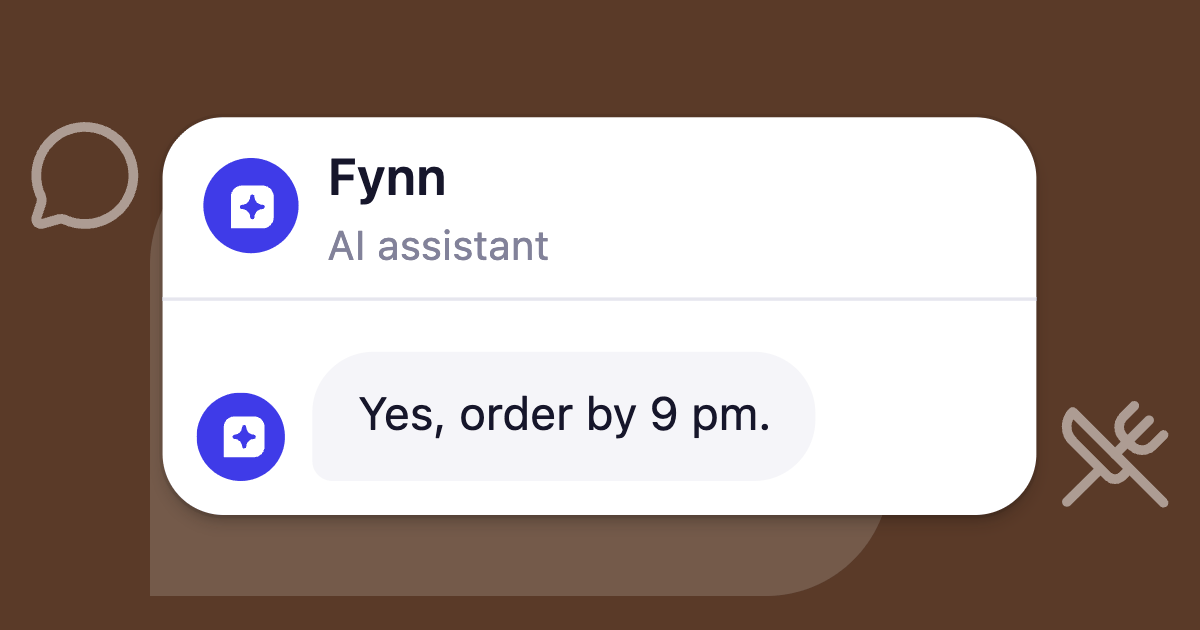
You can pick up every dish. Order by phone at [number] or online at [link] until 9:30 pm. We don't deliver.
6. "We're a group of 20. Can you host us?"
Your largest group, a private room, set menus, and the details you need first: date and time, roughly how many guests, the occasion, a name, a phone number and wishes such as a cake or high chairs.
The menu, the price and the deposit stay with whoever handles events. This reply is what keeps the birthday for 14 from getting lost.
Happily, our back room seats up to 30. Which date, about how many guests and what's the occasion? Our team will send you a menu suggestion with the price.
7. "Where can I park?"
The address, the nearest car park, bus or train, and whether the entrance is step free.
We're at [address]. The car park on [street] is 2 minutes away, the [name] bus stop is right outside, and the entrance is step free.
8. "Can I pay by card?"
Card, cash, gift vouchers and where people buy them.
We take cards and cash. Gift vouchers are sold at the bar and online: [link].
Your away message
In the app, put the links from replies 1 and 4 into your away message. A guest writing after closing then gets the booking link and the menu at once.
Where the replies stop
A saved reply or an AI should stay out of 3 jobs:
- Confirming a table, unless whoever sends it can see the reservation book. A guessed "8 pm works" means 4 people at the door of a full restaurant.
- Taking orders in the chat, since nobody at the pass will see them.
- Judging whether a dish is safe for someone's allergy. The reply repeats what the menu says and sends the rest to your staff.
The rules differ by country. Our post on AI for restaurants covers the allergen rules in Germany, Austria and Switzerland, and the EU's rule that an AI has to say it is one.
Running WhatsApp in Deskwoot
Deskwoot is our product. It puts WhatsApp into one inbox with your website chat, email and 10 more channels. Numbers connected through Meta send approved templates on every plan (templates), and Meta bills its fees to your own account, with no markup from us.
Fynn on WhatsApp
Set up Deskwoot as a Restaurant & café, and Fynn, our AI assistant, drafts answers to the 8 questions above from your website. You keep, edit or skip each one, and questions your website doesn't answer show up as missing (setup guide).
Your menu goes into the Training Hub as a PDF with selectable text. A scan without a text layer is refused at upload.
Fynn answers typed questions and voice messages of up to 10 minutes (voice messages). He sends your booking link, never takes an order and names allergens only as your menu does. When he hands a chat over, the Deskwoot app for iPhone and Android tells you.
With aleno, he also offers the times aleno shows as free and reserves the one the guest picks, from Startup up. By default you confirm each reservation with 1 tap.
What it costs
- Hacker: free for 1 agent and 100 conversations a month, with live chat, email forwarding and 1 more inbox such as WhatsApp, without Fynn.
- Startup: $4 per agent a month, or $3.20 billed annually, for unlimited agents, canned responses and Fynn. You need it once 2 people answer.
- Fynn on Startup: 50 AI conversations a month for the whole workspace, then $0.07 each from a prepaid balance. A conversation counts once a month however much Fynn writes in it, and a voice message transcript counts the same way.
So 2 people on annual billing pay $6.40 a month. If Fynn handles 120 WhatsApp chats, 70 × $0.07 = $4.90 comes on top, $11.30 in total plus Meta's fees.
See Fynn answer first
Ask the 8 questions in the live demo on the restaurants page and see which ones Fynn answers and which he sends to the team.
To use your own number, sign up. Every new workspace gets 7 days of Enterprise free, without a card, for up to 30 seats including yours. Then you pick a plan or stay on the free Hacker plan.
Start with the replies
Write the 8 replies tonight in your phone's notes, with your real links. If you stay on the app, they become quick replies tomorrow.
Also available in:DeutschEspañolFrançaisPortuguês (Brasil)