Chat and WhatsApp inquiries straight into Propstack: contact, note and exposé without retyping
A WhatsApp inquiry only gets into Propstack once someone types it in. Here's how a note with a contact source starts your exposé automation, what to check first and how consent for search profiles is recorded.

Contents
- How long inquiries sit with real estate agents
- How Propstack knows an inquiry came through its API
- What arrives in Propstack when Fynn sends the inquiry
- Checklist: make sure your automation really sends the exposé
- Search profiles: consent goes with them
- When a known contact asks about their appointment
- What you need and what it costs
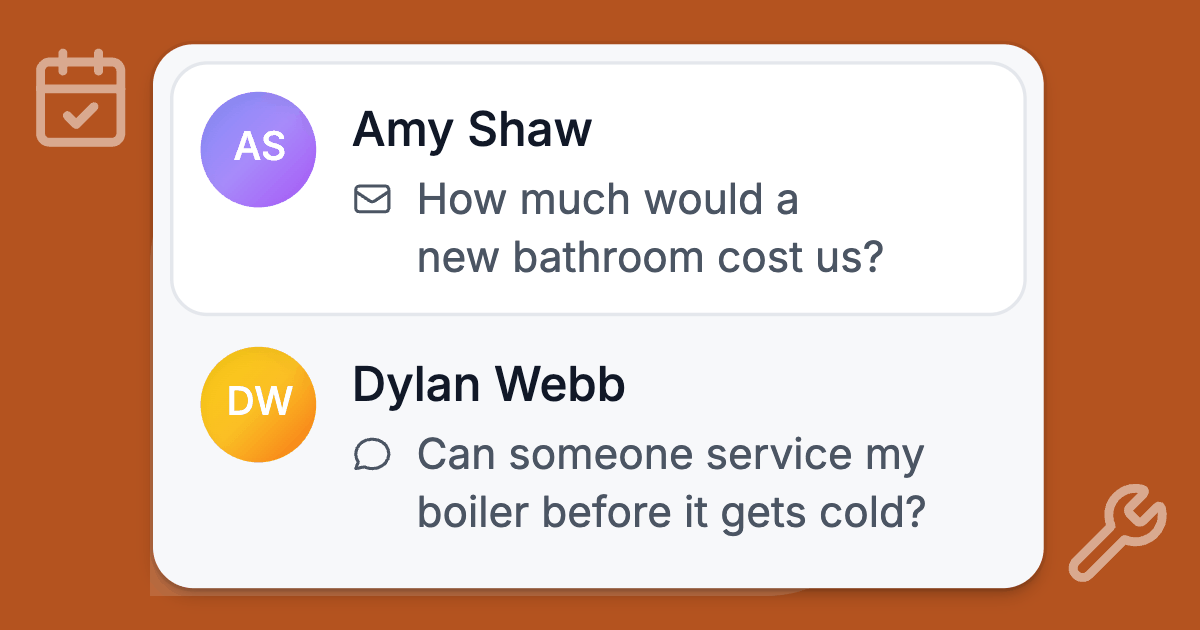
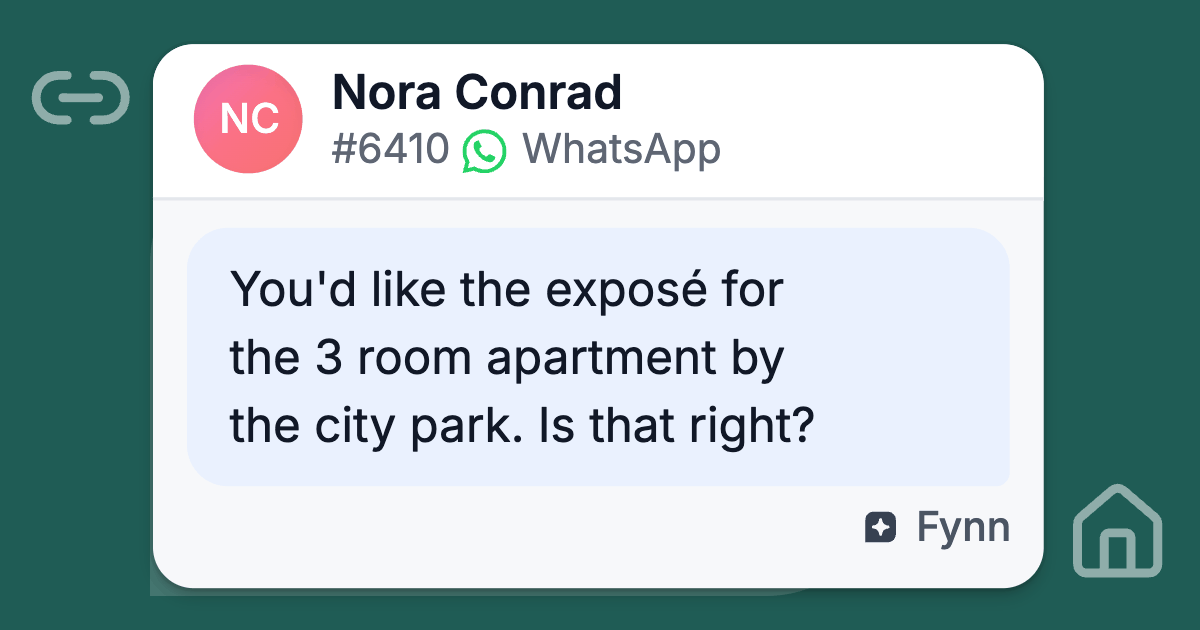
Saturday, 9:15 p.m., on WhatsApp: "Is the three-room apartment by the city park still available? Could you send me the exposé?" The exposé is the detailed brochure German agents send out for a listing. Had the question come in through a property portal, the contact would already be in Propstack.
This one waits until someone types in the name, phone number and listing. Usually on Monday.
This article shows the one step that separates WhatsApp and chat from a portal inquiry, what to check in Propstack beforehand and how to record consent for search profiles.
How long inquiries sit with real estate agents
In 2019, the German Institute for Service Quality (DISQ) tested how long prospects wait for agents, on behalf of the TV channel n-tv. Among other things, 10 large real estate agencies received mystery shopping inquiries by phone and email.
Almost a third of the email inquiries got no answer at all. For the rest, the testers waited almost 40 hours on average (DISQ service study on real estate agents, in German).
The sample is small, and the study is 7 years old. It still works as a rough guide to how long written inquiries sit unanswered.
How Propstack knows an inquiry came through its API
In its API documentation, Propstack describes how a website sends inquiries through the API. There are two steps:
- First, a contact is created.
- Then comes a note that carries the ID of a contact source in the client_source_id field.
The docs go on: "Creating this note then fires a portal inquiry trigger for the automations."
The same principle applies to inquiries by email. The sender address has to be set up as a contact source, or no automation starts.
What the automation does next
You decide that in Propstack yourself. On its features page, Propstack says about new inquiries: "A new contact is created right away and linked to the listing. The property exposé is then sent automatically."
That's the vendor's own description. According to a hands-on article by Smartify Consulting, the "Neue Portal-Anfrage" (new portal inquiry) trigger usually sets off several small automations in a row, such as these:
- create the contact
- create a deal on the listing
- send a text template with the exposé
Saturday evening or Monday morning
So for chat and WhatsApp, exactly one step is missing: the message has to become a contact with a note that carries the right source. Whether that happens on Saturday evening or on Monday morning decides when the exposé arrives.
What arrives in Propstack when Fynn sends the inquiry
Deskwoot is our own product. It connects to Propstack, currently in beta (see the announcement).
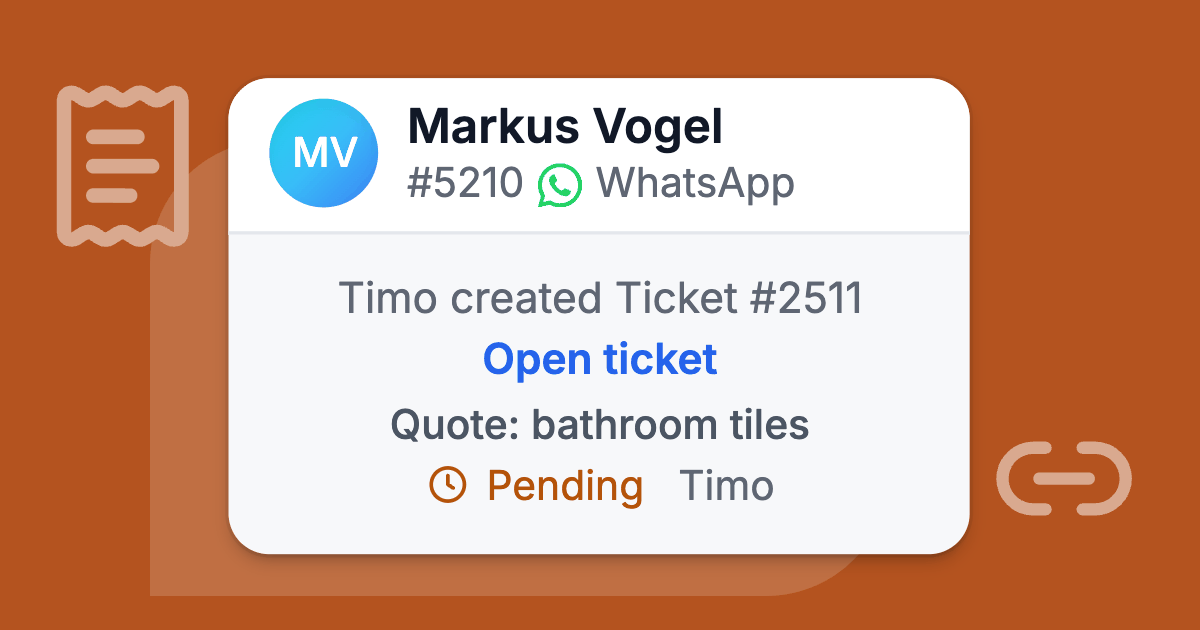
Fynn, the AI agent in Deskwoot, sends the inquiry to Propstack as soon as the person says yes, even at 9:15 p.m. on a Saturday. It arrives as a note with your contact source, and Deskwoot creates the contact if it doesn't exist yet. Nobody has to type anything in.
What Fynn answers from your listings
On WhatsApp, in the chat on your website and in your other channels, Fynn answers questions about the listings you're marketing. He gives prices, costs, commission and deposit exactly as you published them. He never calculates, estimates or rounds.
When someone asks about a specific listing and Deskwoot's copy is more than 5 minutes old, Fynn reads that listing fresh from Propstack. If Deskwoot hasn't been able to sync your listings for 6 hours, he stops saying that a listing is available and refers people to your team.
First the summary, then the yes
If someone wants the exposé, a viewing or a callback, Fynn asks for their name. If the conversation doesn't have an email address or phone number yet, he asks for that too.
Then he sums it all up and only sends after a yes. His check looks roughly like this (in German, he uses the formal Sie if your workspace addresses customers that way):
Here's what I noted: a request for the exposé of Bright 3-room apartment by the city park (WE-1042). Contact: Lena Brandt, lena.brandt@example.de. Is that right? Reply yes and I'll pass it on to our team.
What happens in Propstack after the yes
- If no contact has this email address or phone number yet, Deskwoot creates a new one, with name, email address, phone number and your inquiry source.
- If exactly one contact matches, it gets the inquiry as a note. Deskwoot changes nothing on the contact itself, not the name, not the phone number, not the status.
- If several contacts match, Deskwoot sends nothing and asks your team to link the right one first.
What the note says
The note is titled something like "Inquiry from the chat: Exposé". It names the channel, the request, the listing, preferred times and the message.
It also links to the conversation, which only your team can open by logging in. Deskwoot removes card numbers, IBANs and ID numbers first.
The note carries the contact source and the note type you picked in Deskwoot, and it goes to the agent in charge of the listing.
If nothing in the conversation proves that the message really comes from this person, the note says "Sender not verified". That happens, for example, when someone types an email address into the website chat that nobody has confirmed.
For your team, that's the cue to quickly check the address at first contact.
What Fynn doesn't do
Fynn doesn't book viewings in Propstack and never sends an exposé or any other document himself. Your automation in Propstack takes care of sending, if you set it up that way and it fires on the note from Deskwoot. The test in the checklist below shows you whether it does.
Fynn only shares the link to the public listing page if you turn that on. The switch starts off, and Fynn offers the exposé instead, so the inquiry lands in Propstack first.
Fynn never mentions Propstack to customers. He talks about your team.
Checklist: make sure your automation really sends the exposé
The connection is in beta. Propstack's documentation describes the trigger, but only rely on it once you've seen it fire on a test inquiry in your own account.
Propstack is a CRM for real estate agents from Germany, and the legal notes in this article apply to Germany. They are general information, not legal advice.
If you use a different CRM or work in another country, the logic of the checklist still fits. For consent, the rules of your own country apply.
- Ask Propstack first. According to Propstack's documentation, each account can have only one API key. If your website or another tool already uses one, a new key can replace it. Sort that out before you create one under Verwaltung > API-Schlüssel (admin, API keys).
- Create a dedicated contact source. Set up a source such as "Deskwoot" in Propstack. That way you can see later which contacts came from chat and WhatsApp, and your automation can listen to exactly this source.
- Look at your automation for new inquiries. Check whether it also runs for this source and what exactly it does: create a deal, a task for the agent in charge, the exposé email.
- Choose in Deskwoot where inquiries land. Under Settings > Integrations > Propstack, in the "Where inquiries land" card, you pick the inquiry source, the note type and the agent for inquiries without a listing. Note types that change a listing's status or a deal aren't offered at all. With "No source", no automation runs.
- Switch Fynn on. Fynn only uses Propstack after an admin has saved the "What Fynn does with Propstack" card once. Check there that "Send inquiries to Propstack" is on.
- Read the exposé email. If your template puts the note on when the commission is due below the sign-off, move it up. The court ruling right below this list explains why. For its web exposé, Propstack's features page mentions a built-in withdrawal notice. Check whether your template uses the web exposé.
- Test it. Write in the chat on your website from a private email address, ask for the exposé of a real listing and reply yes. Then check Propstack: is the contact there, does the note carry your source, did the automation run, did the exposé arrive?
- Repeat with a known contact. Use an address that already belongs to a contact in Propstack. The note then lands on that contact, and you see what your automation does with existing contacts.
Why the commission note belongs above the sign-off
In Germany, a brokerage contract for buying an apartment or a single-family home must be in text form (§ 656a BGB, the German Civil Code).
On March 11, 2026, Germany's Federal Court of Justice (BGH) ruled that such a contract can be formed through emails. But the sender has to make clear where their statement ends (judgment I ZR 202/25).
In the case the court decided, the "Hinweis zur Fälligkeit der Provision" (note on when the commission is due) sat below the signature. The agent had to pay back €8,810.76 in commission.
Search profiles: consent goes with them
Once the apartment is gone, the wish often remains: "Let me know when you have something similar." In Propstack, that becomes a search profile, and matching listings go out by email. Those emails advertise your listings.
What the UWG and the GDPR require
For email advertising, German competition law, the UWG, requires the "prior express consent of the recipient". Without it, the email counts as an unreasonable nuisance (§ 7(2) no. 2 UWG).
The exception for existing customers in § 7(3) UWG requires that you got the address in connection with a sale. Someone asking about an apartment in the chat hasn't bought anything from you yet.
Then there's the GDPR. If processing is based on consent, you must be able to prove that the person consented (Art. 7(1) GDPR).
They can withdraw consent at any time, and withdrawing has to be as easy as giving it (Art. 7(3) GDPR).
How Fynn records the consent
That's why Fynn only creates a search profile with consent. His check includes one extra sentence: "By replying yes you also agree to get matching listings by email."
Only after the yes does the search profile go to Propstack, with buy or rent, places, rooms, price and area. The search profile's note and the inquiry note then contain a line like this:
Consent: the person agreed to receive matching offers by email (2026-10-24 19:42 UTC).
This way the search profile holds the proof itself, even if the inquiry note ever fails to arrive.
On a new contact, Deskwoot also ticks the checkbox for property mailings in Propstack. On an existing contact, it changes nothing, not even this checkbox. Your team ticks it there themselves once the consent is in the note.
What the line doesn't prove
One point stays with you. The line proves that someone said yes in the chat. It doesn't prove that the email address they typed belongs to that person.
If the note says "Sender not verified", ask your data protection officer whether that's enough for you or whether you should have the address confirmed before the first offer goes out.
When a known contact asks about their appointment
People who are already in Propstack often ask about something else: "When was the viewing on Saturday again?"
If the person has confirmed their email address or phone number, Fynn reads their next appointments live from Propstack. He gives the time, appointment type, listing and location, for up to 5 appointments.
He never shares an appointment's title or text, because that's often where your internal notes are. He leaves out private and cancelled appointments.
What Fynn needs for this, and where he stops
The API key needs permission to read appointments. In the "What Fynn does with Propstack" card, "Tell people their upcoming appointments" has to be on.
Fynn never gives anyone their appointments by SMS, because an SMS proves nothing about the sender.
Fynn can't confirm, reschedule or cancel an appointment. He takes down the request, sums it up and hands it to your team.
What you need and what it costs
You can connect Propstack on every Deskwoot plan, including the free Hacker plan, and the connection costs nothing extra.
Your team then sees the Propstack contact in the Details tab of every conversation, with status, customer number, agent in charge and search profiles. From there, they can send inquiries, search profiles or notes to Propstack themselves.
What Fynn does with Propstack comes with every paid plan from Startup up and with the 7 day trial:
- Startup costs $4 per agent a month, or $3.20 billed annually.
- Fynn's conversations count as AI conversations. The Startup plan includes 50 a month (how Fynn is billed).
- You'll find all plans on the pricing page.
Connecting WhatsApp and your website chat
For WhatsApp, you connect a WhatsApp Business account through Meta's Cloud API (Connect WhatsApp Business). For your website, you use the chat widget (Live chat on your website).
In every channel, Fynn's replies are marked as replies from an AI assistant (how customers see this). What else Deskwoot does for agencies is on the page for real estate agents.
Your first test
If you only do one thing today: create the contact source in Propstack, connect Propstack in Deskwoot under Settings > Integrations and send yourself a test inquiry. Then you'll know whether your exposé goes out on Saturday evening or not until Monday.
A new account starts with 7 days of Enterprise to try out, with no card and for up to 30 seats, yours included (create an account). If you don't pick a paid plan after that, it stays on the free Hacker plan.
If anything works differently than described here, write to us at hello@deskwoot.com.
Also available in:DeutschEspañolFrançaisPortuguês (Brasil)